Form 2553 - Election by a Small Business Corporation
Form 2553 is the IRS election a corporation or LLC files to be taxed as an S corporation. It is signed by an officer and every shareholder, then mailed or faxed to the IRS.
Completa il tuo Form 2553 - Election by a Small Business Corporation in 3 semplici passaggi
Compila e modifica il modello
Firmalo online
Esporta o stampa immediatamente
What the form is
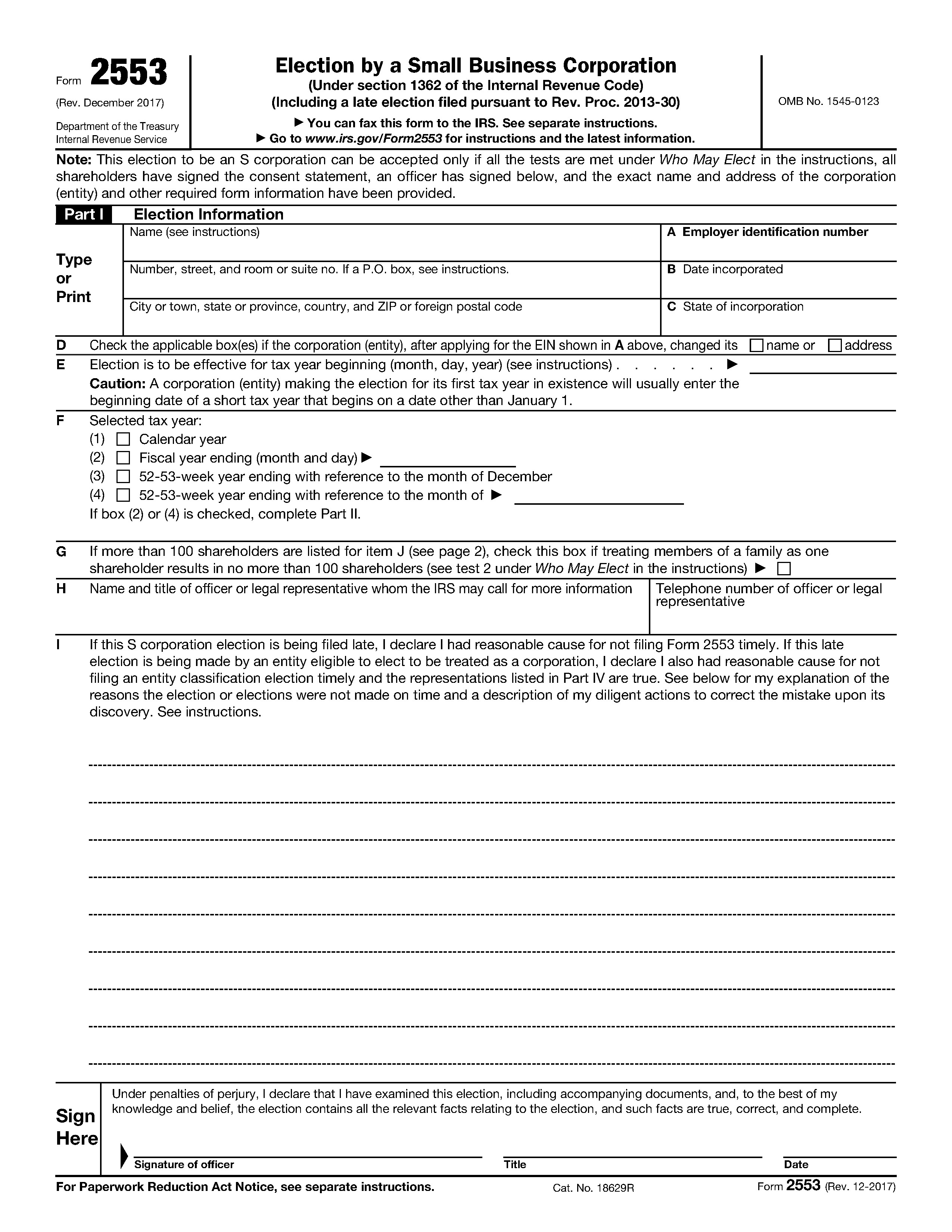
Form 2553, Election by a Small Business Corporation, is the IRS form a corporation or an eligible entity files to elect S corporation status under section 1362 of the Internal Revenue Code. An S corporation generally does not pay federal income tax at the entity level. Its income, losses, deductions and credits pass through to the shareholders, who report them on their own returns. The form is also used for late elections made under Rev. Proc. 2013-30. The edition on the IRS site is Rev. December 2017, four pages long, with the shareholder consent section on page 2 and the fiscal year section on page 3. The IRS publishes line-by-line Instructions for Form 2553 and a Form 2553 page that lists the current revision.
Who typically needs it
The form is filed by owners of a newly formed corporation, by an existing C corporation that wants to switch, and by an LLC that has chosen to be taxed as a corporation. The IRS lists the eligibility tests under "Who May Elect" in the instructions, for example the limit of 100 shareholders. A tax professional can tell you whether the election suits your situation. This page only covers how to complete the paperwork.
What you need before you start
- The exact legal name and address of the corporation as they appear on its EIN record. If you do not have an EIN yet, the Form SS-4 guide explains that form.
- The date and state of incorporation.
- The date the election should take effect (item E) and the tax year you have selected (item F).
- The name, address, Social Security number or EIN, share count or ownership percentage, acquisition dates and tax year end of every shareholder.
- A signature from an authorized officer and from each shareholder who must consent.
How to fill it out online with PDF Editify
Open this page, click Fill Template Now, and the form opens in the editor with its fields ready to type into. Click a field, type, and move on. You can open the form without a card. Downloading the finished PDF needs a plan: One Week Plan at $3 one-time, Standard at $10 per month or $100 per year, or Lifetime from $99 one-time.
Part I, page 1: Election Information
- Name, address: enter the corporation's name, the street address, then city, state and ZIP.
- A, Employer identification number: the nine-digit EIN.
- B and C: the date incorporated and the state of incorporation.
- D: check the box only if the name or address changed after the EIN was issued.
- E, Effective date: the first day of the tax year the election applies to. The form warns that a corporation making the election for its first tax year usually enters the beginning date of a short tax year.
- F, Selected tax year: check calendar year, or a fiscal year ending in a month you specify. A fiscal year, or a 52-53-week year ending in a month other than December, means you also complete Part II.
- G: only used when more than 100 shareholders are listed and family members are counted as one.
- H: the name, title and phone number of an officer or representative the IRS may call.
- I: a late-election explanation. Leave it empty for a timely election.
- Signature of officer, Title, Date: see the signing section below.
Page 2: shareholders and consent
Columns J to N hold one row per shareholder: name and address (J), the signed consent statement (K), the number of shares or ownership percentage and acquisition dates (L), the SSN or EIN (M) and the shareholder's tax year end (N). If you need more rows, use additional copies of page 2, as the form notes.
Part II, page 3: fiscal tax year
Complete this part only if item F selected a fiscal year. Item O says whether the corporation is new, retaining or changing its year. Then complete one of item P (automatic approval under Rev. Proc. 2006-46), Q (business purpose, with the optional back-up section 444 election) or R (regular section 444 election). The instructions explain each item and any attachment.
Signing, and where and how to submit
An officer signs and dates the form under penalties of perjury, and every shareholder signs in column K. In PDF Editify you can draw, type or upload a signature and place it on the signature line, then download the PDF.
The IRS accepts the form by mail or fax, and some late elections can be attached to Form 1120-S. The address and fax number depend on the state of the corporation, so use the table in the instructions. Per the instructions, if you fax it, keep the original in the corporate records.
Deadlines and fees
| Item | What the IRS says |
|---|---|
| Timely election | No later than 2 months and 15 days after the beginning of the tax year the election takes effect, or at any time during the preceding tax year. |
| Late election relief | Rev. Proc. 2013-30 relief generally must be requested within 3 years and 75 days of the effective date on line E. |
| IRS follow-up | If you are not notified of acceptance within 2 months of filing (5 months if box Q1 is checked), the instructions say to call 1-800-829-4933. |
| Fees | The form itself carries no fee. A user fee applies to a business purpose fiscal year request (Q1) and to private letter rulings. |
Source: IRS Instructions for Form 2553, checked on 2 November 2026.
Common mistakes
- Missing a shareholder consent signature. The form states that all shareholders must sign.
- Entering a name or address that does not match the EIN record.
- Choosing a fiscal year in item F and then skipping Part II.
- Filing after the due date without including the late election statement in item I.
- Faxing the form and not keeping the original.
Fonte ufficiale: Internal Revenue Service · Versione: Rev. December 2017
Moduli, scadenze e costi cambiano. Prima di inviarlo, verifica sul sito ufficiale di usare la versione aggiornata. Questa pagina non costituisce consulenza legale o fiscale.
Domande frequenti
What is Form 2553 used for?
Form 2553 is used to elect S corporation status with the IRS under section 1362 of the Internal Revenue Code. It is filed by the corporation, or by an eligible entity such as an LLC taxed as a corporation, and requires consent from all shareholders (IRS Instructions for Form 2553).
When is Form 2553 due?
Generally no more than 2 months and 15 days after the beginning of the tax year the election takes effect, or at any time during the preceding tax year. The IRS lists late election relief in the instructions, including a 3 years and 75 days window for Rev. Proc. 2013-30 (checked 2 November 2026).
Can I fax Form 2553 to the IRS?
Yes. The IRS instructions list fax numbers by state, and say to keep the original in the corporation's permanent records if you fax it. Check the instructions for the number that applies to your state.
Does every shareholder have to sign Form 2553?
Each shareholder must consent in column K on page 2, as explained in the IRS instructions. An officer also signs on page 1.
Does it cost anything to file Form 2553?
The IRS charges no fee for the form itself. A user fee applies when you request a fiscal tax year based on business purpose (box Q1) or ask for a private letter ruling for late relief. See the IRS instructions.
Modelli Correlati

Form W-9 - Request for Taxpayer Identification Number
Used by businesses to collect taxpayer identification information from vendors, contractors, and other payees. Required for reporting payments to the IRS on forms like 1099-MISC.
Form 9465 - Installment Agreement Request
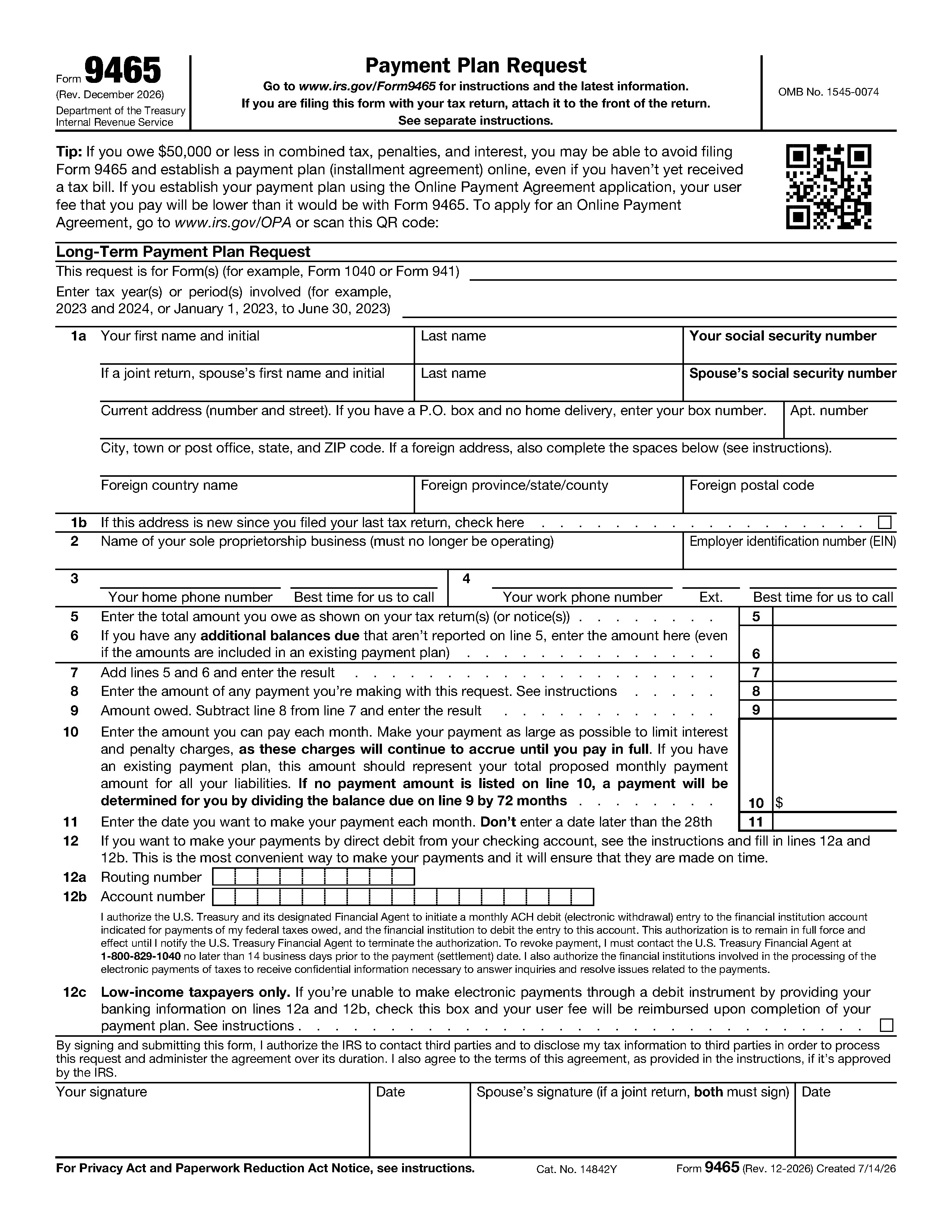
Used to request a monthly payment plan if you cannot pay the full amount of taxes you owe. Allows taxpayers to pay their tax debt over time rather than in a lump sum.

IRS Form 8822 - Change of Address
IRS Form 8822, "Change of Address," is used by individuals to notify the IRS of a change to their home mailing address, ensuring they receive tax-related correspondence, refunds, and notices.

Form W-2 - Wage and Tax Statement
Annual statement that employers must provide to employees and the IRS reporting wages paid and taxes withheld. Essential document for filing individual income tax returns.

Form 1040-X - Amended U.S. Individual Income Tax Return
Amended U.S. Individual Income Tax Return is used to correct errors or make updates to a previously filed tax return. Whether you need to revise your income, change your filing status, or claim...
Form W-8BEN-E - Certificate of Status of Beneficial Owner for United States Tax Withholding and Reporting (Entities)
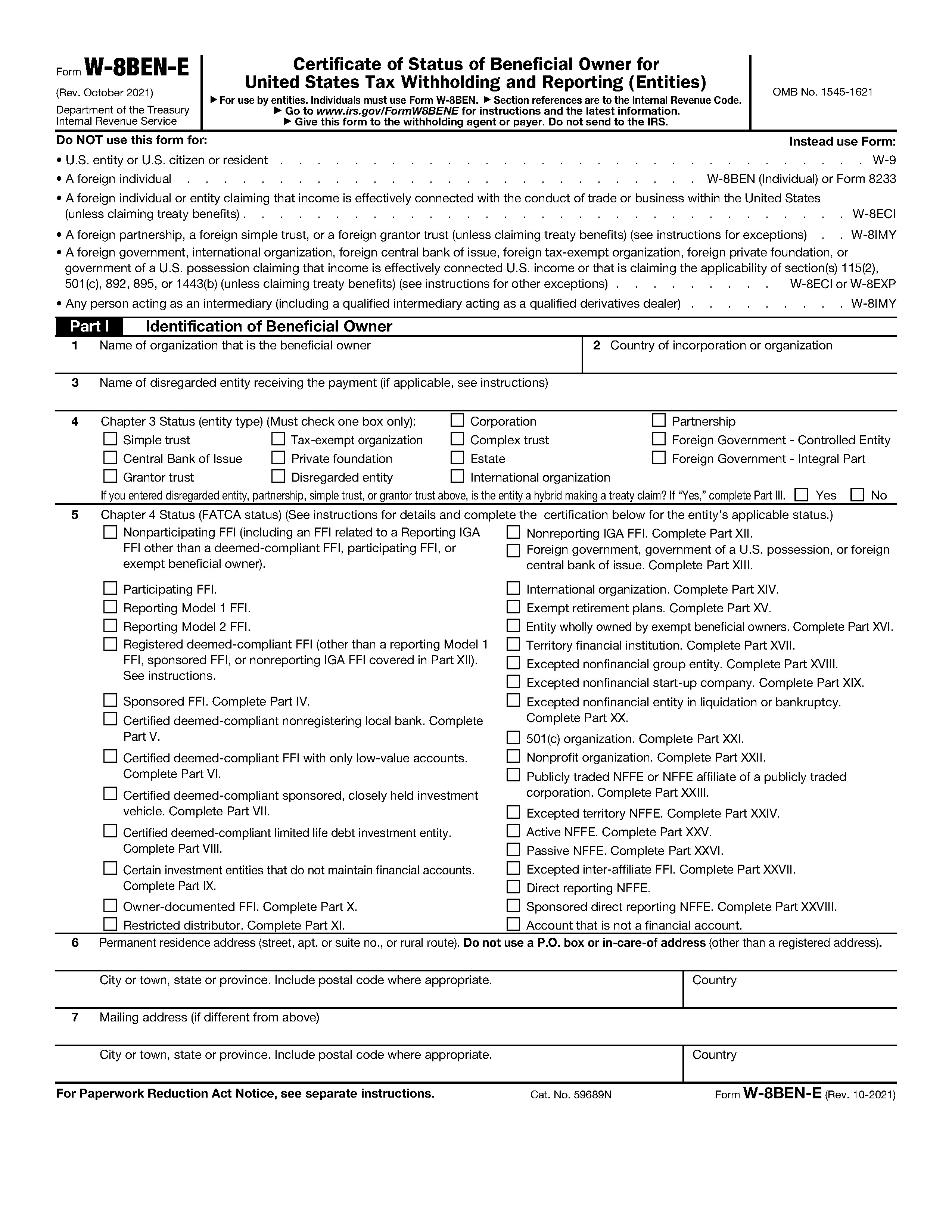
Form W-8BEN-E is the certificate a foreign entity gives a US payer to document its tax status and FATCA status. It goes to the payer, not to the IRS.

Form 1040-SR - Tax Return for Seniors
Designed for taxpayers age 65 or older, this version of the standard return features larger print and a simplified standard deduction table to make it easier to read and file manually.

Form W-4 - Employee's Withholding Certificate
Completed by employees to indicate their tax situation to their employer. Determines the amount of federal income tax to withhold from paychecks based on filing status and allowances.

Form 4506 - Request for Copy of Tax Return
Used to request an exact copy of a previously filed tax return from the IRS. Commonly needed for loan applications, immigration purposes, or replacing lost returns. Fee required.

Form 1099-DA - Digital Asset Transactions
Form 1099-DA "Digital Asset Proceeds From Broker Transactions" is a new IRS form designed to report digital asset sales, including crypto, NFTs, and stablecoins, to taxpayers and the IRS.