What Form 1099-K Is
Form 1099-K, Payment Card and Third Party Network Transactions, is an IRS information return. A payment settlement entity (PSE), such as a card processor, marketplace or payment app, uses it to report the gross amount of payment card and third party network transactions it processed for you during the year. The current version is the Rev. December 2026 revision, used to report calendar year 2026 payments.
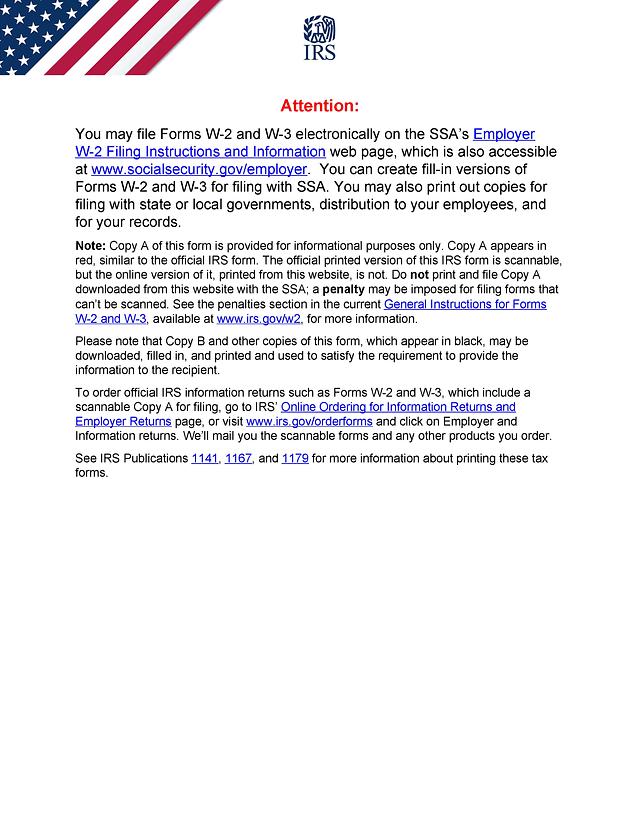
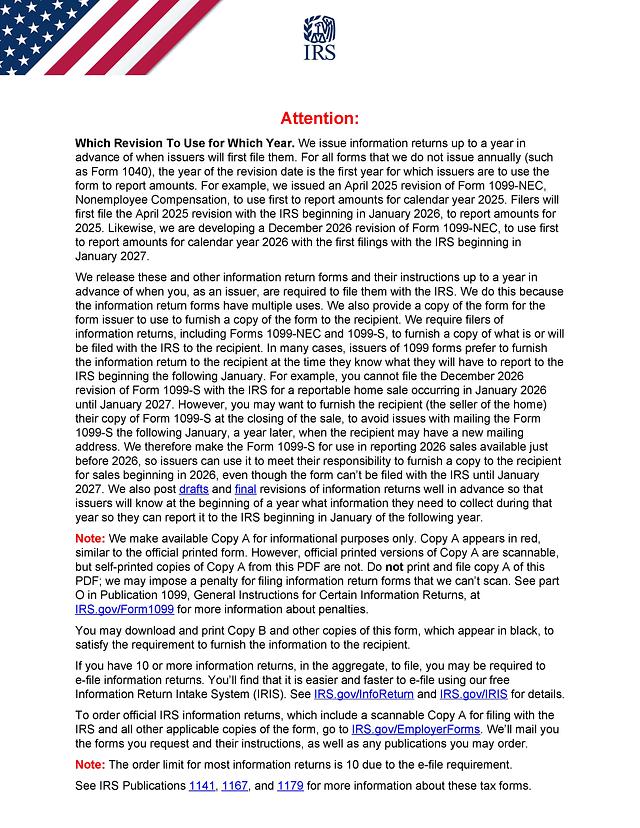
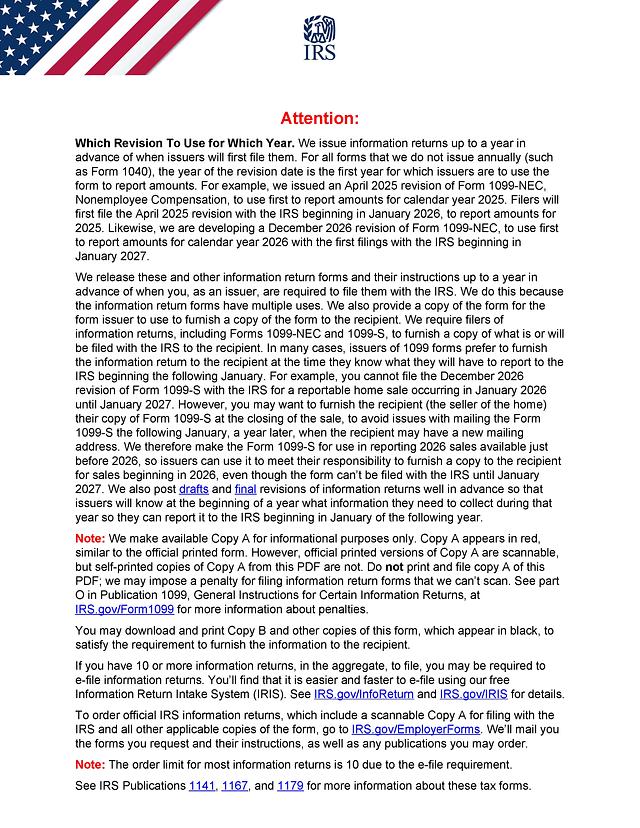
The official PDF actually contains several copies in one file: Copy A (for the IRS), Copy 1 (for a state tax department), Copy B (for the payee) and Copy 2 (to file with a state return when required). Copy A is printed in red and marked for informational purposes only. A self-printed Copy A cannot be scanned by the IRS and must never be filed; businesses that need to file with the IRS must e-file through the Information Return Intake System (IRIS) or order scannable forms directly from the IRS. PDF Editify is meant for completing and keeping the black-ink payee copies (Copy B and Copy 2), not for producing a filable Copy A.
Who Typically Needs It
Two groups use this form. Payment settlement entities and electronic payment facilitators fill it out to furnish a copy to each payee who met the reporting threshold. Payees, including gig workers, online sellers, freelancers and small businesses that accept card or third party network payments, receive a completed copy and use it to check the amounts against their own records when preparing their tax return.
What You Need Before You Start
- The filer's (PSE's) name, address and taxpayer identification number
- The payee's name, address and taxpayer identification number
- The calendar year being reported and whether the form is void or corrected
- Monthly transaction totals if you are completing boxes 5a through 5l
- Any state identification number and state withholding amounts, if applicable
How to Fill Out Form 1099-K Online with PDF Editify
Open the template page and click "Fill Template Now" to load the form into the editor with its fields ready to type into. Work through the form top to bottom:
Filer and payee information
Enter the filer's name, address and phone number, then check the box describing whether the filer is a payment settlement entity or an electronic payment facilitator/other third party, and whether the transactions reported are payment card or third party network transactions. Fill in the filer's and payee's taxpayer identification numbers and the payee's mailing address. If a PSE other than the filer was involved, add its name and phone number in the designated field.
Boxes 1 through 8
Box 1a holds the gross amount of all reportable transactions for the year, before any fees, refunds or adjustments. Box 1b is for the portion of that amount from Card Not Present transactions, and box 1c reports cash tips, which also count toward box 1a. Box 1d lists Treasury Tipped Occupation Codes where they apply. Box 2 is the merchant category code, box 3 the number of payment transactions, and box 4 any federal income tax backup-withheld. Boxes 5a through 5l break the yearly total down by month. Boxes 6 through 8 cover state income tax withheld, the state identification number and the state itself.
Signing and Where to Submit It
Form 1099-K does not require a signature. Once every box is complete, use PDF Editify's download option to save your filled copy. A payee should keep Copy B for personal records when reviewing a tax return; a filer furnishing the form to a payee should deliver Copy B by the deadline below and follow the official IRS instructions for Form 1099-K for filing Copy A and Copy 1 with the IRS and state, which must be done through IRIS or another approved e-file method, not by mailing a self-printed Copy A.
Deadlines and Fees
Filers must furnish Copy B to payees by January 31 following the calendar year reported, the same deadline used for most other 1099 forms. As of October 21, 2026, the IRS has not published a separate filing fee for Form 1099-K itself; e-filing through IRIS is free. Always check the IRS Form 1099-K page for the current revision and any deadline changes before filing.
Common Mistakes
- Printing Copy A from this PDF and mailing it to the IRS instead of e-filing or ordering scannable forms
- Reporting a net amount in box 1a instead of the gross amount before fees, refunds or discounts
- Leaving the PSE type or transaction type checkboxes blank
- Mixing up the payee's TIN with the filer's TIN
- Forgetting to check the "CORRECTED" box when reissuing a previously filed form