What Form 1099-NEC is
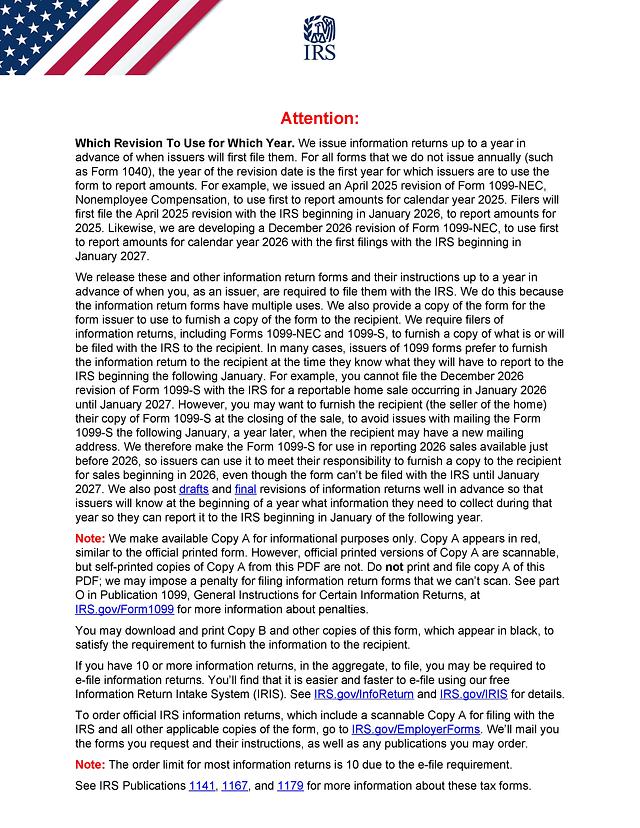
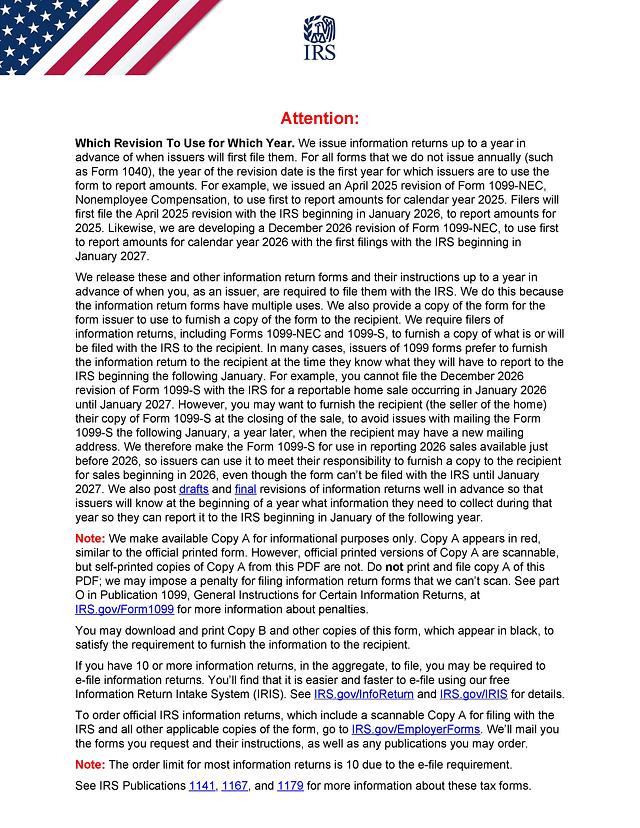
Form 1099-NEC, Nonemployee Compensation, is the information return a business uses to report payments to independent contractors and other nonemployees for services. This template is the Rev. December 2026 edition, the version currently posted on IRS.gov as of October 2026. The IRS explains on the form's cover page that this revision is first used to report amounts paid in calendar year 2026, with filings beginning in January 2027. Because it is a continuous-use form, you type the calendar year into the field at the top of each copy.
The December 2026 revision changes the layout. Box 1 is now split into 1a Nonemployee compensation, 1b Cash tips, 1c TTOC (Treasury Tipped Occupation Code), and 1d Overtime compensation, and the payer and recipient addresses are entered in separate street, city, state or province, country, and ZIP or foreign postal code fields.
Paper copies: what you can and cannot print
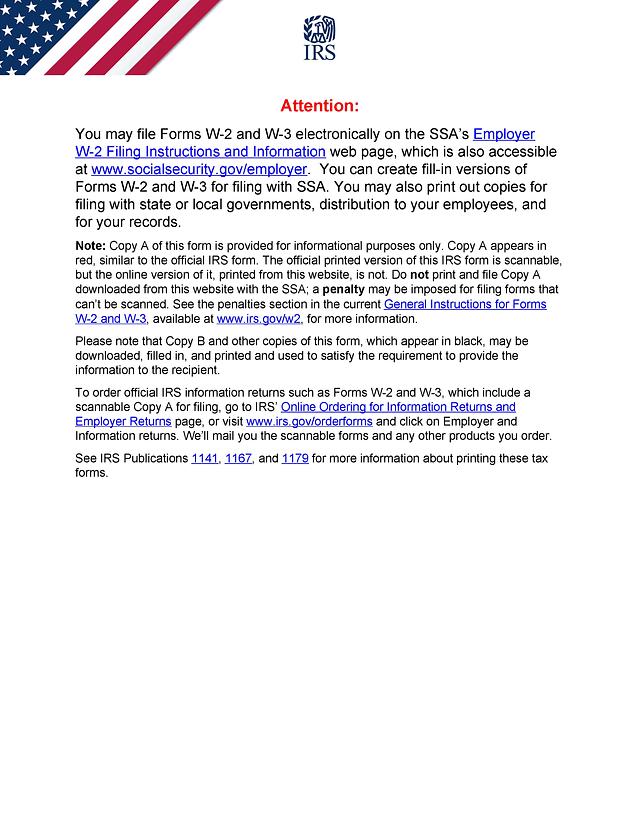
The PDF has six pages and includes Copy A (for the IRS), Copy 1 (for the state tax department), Copy B (for the recipient), and Copy 2 (for the recipient's state return). The IRS states that Copy A in this PDF is for informational purposes only: although it appears in red, a self-printed Copy A is not scannable, and the IRS may impose a penalty for filing forms it can't scan. The General Instructions for Certain Information Returns also say you cannot file Copy A or Form 1096 printed from the IRS website.
- Copy A to the IRS: e-file it, for example through the IRS Information Return Intake System (IRIS), or file the official scannable red-ink Copy A with Form 1096. Official forms can be ordered at IRS.gov/orderforms.
- Copy B and the other black copies: the IRS says you may download, complete, and print these to furnish the information to the recipient. This is what the template is best suited for.
- E-file requirement: if you have 10 or more information returns in total for the year (counting all types together), you generally must e-file.
Who uses it
Businesses, including sole proprietors, that pay a nonemployee for services in the course of their trade or business use Form 1099-NEC. For tax years beginning after 2025, the IRS Instructions for Forms 1099-MISC and 1099-NEC set the box 1a reporting threshold at $2,000 or more, up from $600, and say the amount may be adjusted for inflation beginning in 2027. Payments to corporations are generally not reported, with exceptions listed in the instructions. Contractors who receive the form use Copy B to report the income.
What to have ready
- Your business name, address, phone number, and TIN
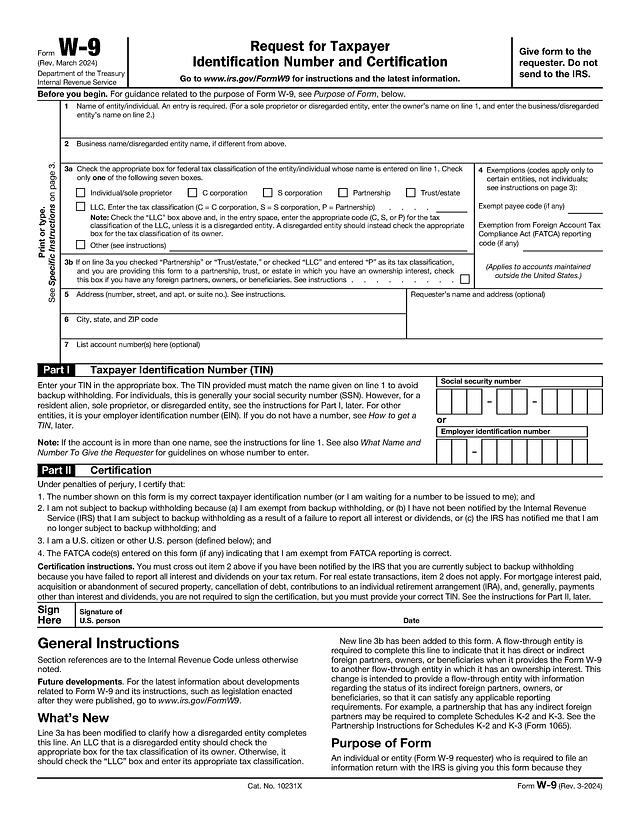
- The recipient's name, address, and TIN, usually from the Form W-9 they gave you
- Total payments for the year, plus any cash tips and qualified overtime included in that total
- Any federal backup withholding and state withholding amounts
How to fill it out online
Click "Fill Template Now," type the calendar year and your entries into Copy B (and the other copies you need), and download the PDF to send to the recipient. The form is not signed.
Payer and recipient section
Enter the payer's name, street address, room or suite number, city or town, state or province, country, ZIP or foreign postal code, and telephone number. Then add the payer's TIN, the recipient's TIN, and the recipient's name and address. Use the account number field when the instructions require it, for example when you file more than one form for a recipient with multiple accounts. Copy A also has a "2nd TIN not." checkbox and VOID and CORRECTED boxes.
Boxes 1a to 4
Box 1a is total nonemployee compensation. Boxes 1b (cash tips) and 1d (overtime compensation) are amounts already included in box 1a, and box 1c holds up to two TTOC codes. Box 2 is a checkbox for direct sales of $5,000 or more of consumer products for resale. Box 3 is excess golden parachute payments, and box 4 is federal income tax withheld (backup withholding).
Boxes 5 to 7
Two rows for state tax withheld, the state and payer's state number, and state income.
Deadlines
According to the IRS instructions, Form 1099-NEC is due to both the recipient and the IRS by January 31, whether you file on paper or electronically. When that date falls on a weekend or legal holiday, the due date moves to the next business day. You can furnish Copy B electronically only if the recipient consents, as described in the General Instructions.
Common mistakes
- Mailing a self-printed Copy A to the IRS
- Applying the old $600 threshold to 2026 payments, or forgetting that the new threshold applies to payments in tax years beginning after 2025
- Reporting tips or overtime in boxes 1b or 1d without also including them in box 1a
- Leaving the calendar year blank at the top of the form
- Using a TIN that doesn't match the recipient's W-9
For a worked example, read our Form 1099-NEC guide.