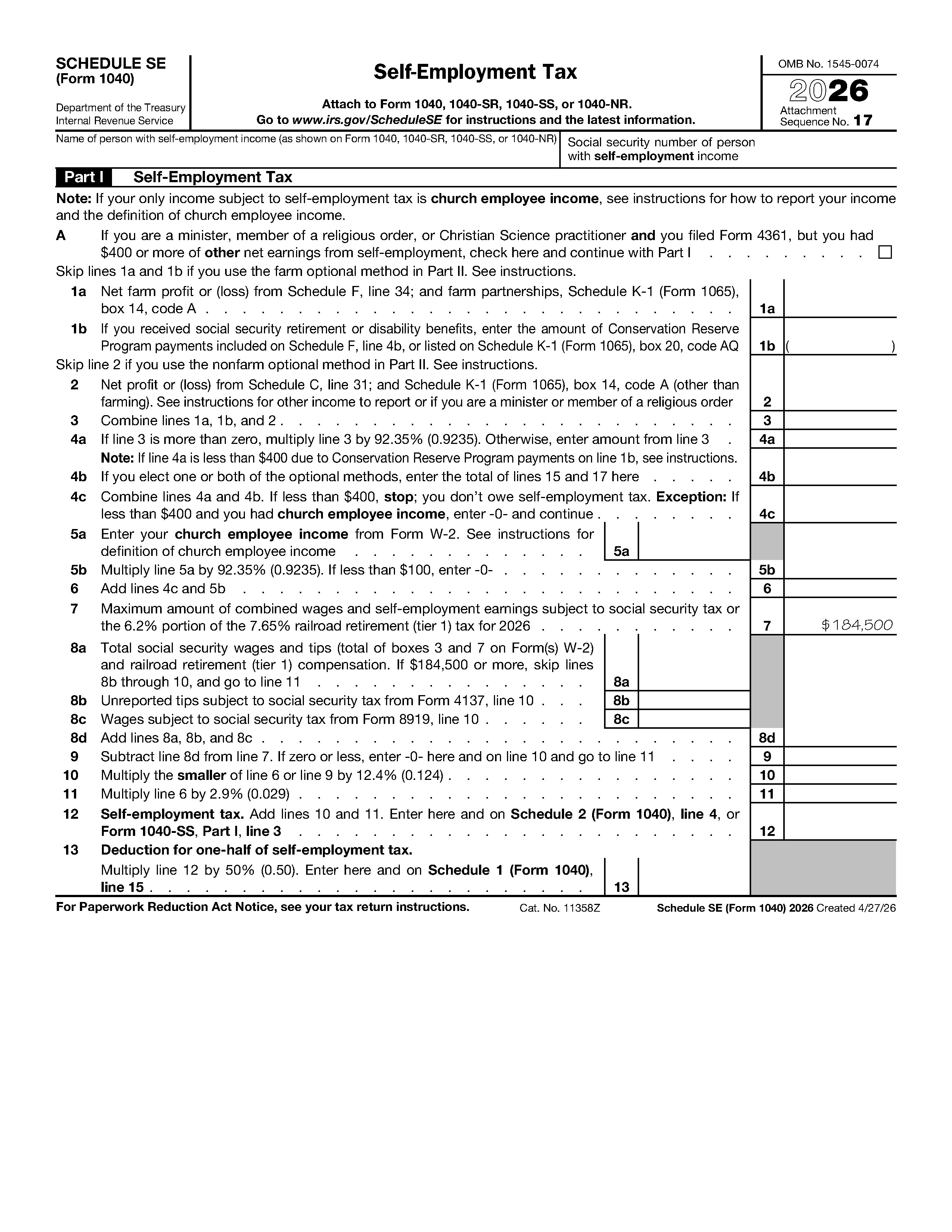
Schedule SE (Form 1040) - Self-Employment Tax
Schedule SE (Form 1040) figures the Social Security and Medicare tax owed on net self-employment earnings. Freelancers, sole proprietors and partners attach it to their return.
Completa il tuo Schedule SE (Form 1040) - Self-Employment Tax in 3 semplici passaggi
Compila e modifica il modello
Firmalo online
Esporta o stampa immediatamente
What Schedule SE is
Schedule SE (Form 1040) is the IRS form used to figure self-employment tax, the Social Security and Medicare tax that people pay on their own business earnings. Employees have these taxes withheld by an employer. If you work for yourself, you calculate them here and attach the result to your return. This page uses the 2026 edition of the form, which the IRS created on 4/27/26.
The form has two pages. Part I covers the standard calculation, lines 1a through 13. Part II, lines 14 through 17, covers the optional methods for farm and nonfarm income.
Who typically needs it
The IRS says you usually must pay self-employment tax if your net earnings from self-employment were $400 or more (IRS Topic No. 554). People who commonly file Schedule SE include:
- Sole proprietors, freelancers and independent contractors who report profit on Schedule C
- Partners in a partnership, and members of a multi-member LLC taxed as a partnership
- Farmers who report farm profit on Schedule F
- Ministers and church employees with qualifying income, who have special lines on this form
What you need before you start
- Your name and Social Security number exactly as shown on Form 1040, 1040-SR, 1040-SS or 1040-NR
- Net profit or loss from Schedule C, line 31, and any partnership amounts from Schedule K-1 (Form 1065), box 14
- Farm profit from Schedule F, line 34, if it applies
- Box 3 and box 7 amounts from your Form W-2, if you also had wages
- Any amounts from Form 4137 (unreported tips) or Form 8919 (uncollected Social Security and Medicare tax)
- The official Schedule SE page and instructions open in another tab
How to fill it out online with PDF Editify
- Click "Fill Template Now" on this page. The form opens in the editor with its fields ready to type into. You can open and fill it without a card.
- Click a field and type. Press Tab to move to the next one.
- Check your numbers, then sign if your return package needs it (see below).
- Download the result. Downloading needs a plan: One Week Plan at $3 one-time, Standard at $10 a month or $100 a year, or Lifetime from $99 one-time.
Header
Enter the name of the person with self-employment income and that person's Social Security number. If you and your spouse both have self-employment income, each of you files a separate Schedule SE.
Part I, lines 1a to 6
Line A is a checkbox for ministers and similar filers who filed Form 4361 but had $400 or more of other net earnings. Line 1a is net farm profit or loss, and line 1b is for Conservation Reserve Program payments if you receive Social Security retirement or disability benefits. Line 2 is net profit or loss from Schedule C and non-farm partnership income. Line 3 combines lines 1a, 1b and 2. Line 4a multiplies line 3 by 92.35% when it is more than zero. Line 4b is used only with the optional methods, and line 4c combines 4a and 4b. If line 4c is less than $400, the form tells you that you don't owe self-employment tax, with an exception for church employee income. Lines 5a and 5b are for church employee income from Form W-2, and line 6 adds lines 4c and 5b.
Part I, lines 7 to 13
Line 7 is pre-printed with the 2026 maximum combined earnings subject to Social Security tax, $184,500. Lines 8a through 8d total your Social Security wages and tips, unreported tips and wages from Form 8919. Line 9 subtracts line 8d from line 7. Line 10 multiplies the smaller of line 6 or line 9 by 12.4%, and line 11 multiplies line 6 by 2.9%. Line 12 adds lines 10 and 11 to give your self-employment tax. Line 13 is the deduction for one-half of self-employment tax, 50% of line 12.
Part II, lines 14 to 17
Line 14 is pre-printed with $7,560, the maximum income for the optional methods. Line 15 is the farm optional method, line 16 a subtraction step and line 17 the nonfarm optional method. Read the eligibility tests printed above each method first.
Signing, and where and how to submit
Schedule SE has no signature line of its own. You sign the Form 1040 that it is attached to. If you need to sign other documents in the same package, PDF Editify lets you draw, type or upload a signature with the sign PDF tool.
Attach Schedule SE to Form 1040, 1040-SR, 1040-SS or 1040-NR and file it with your return, whether electronically or by mail. The mailing address depends on your state, so use the IRS where-to-file page. The amounts on line 12 and line 13 carry to Schedule 2, line 4 and Schedule 1, line 15, so complete those schedules consistently. If you pay estimated tax during the year, the Form 1040-ES guide explains how.
Deadlines and rates
| Item | Detail | Source |
|---|---|---|
| Self-employment tax rate | 12.4% Social Security plus 2.9% Medicare | IRS Topic No. 554, checked 2026-11-04 |
| Filing threshold | Net earnings from self-employment of $400 or more | IRS Topic No. 554, checked 2026-11-04 |
| 2026 Social Security earnings limit | $184,500 | Printed on line 7 of the 2026 form |
| Filing deadline | Schedule SE is filed with your Form 1040, so the Form 1040 due date applies | Check irs.gov for the date |
The IRS charges no fee for filing this form.
Common mistakes
- Typing a Social Security number that differs from the one on Form 1040
- Forgetting that line 4a multiplies by 92.35% only when line 3 is more than zero
- Entering Part II amounts without meeting the eligibility tests printed above each method
- Not carrying line 12 to Schedule 2 and line 13 to Schedule 1
- Using a prior-year edition of the form for a 2026 return
Fonte ufficiale: Internal Revenue Service · Versione: 2026 (Cat. No. 11358Z)
Moduli, scadenze e costi cambiano. Prima di inviarlo, verifica sul sito ufficiale di usare la versione aggiornata. Questa pagina non costituisce consulenza legale o fiscale.
Domande frequenti
Who has to file Schedule SE?
The IRS says you usually must pay self-employment tax if your net earnings from self-employment were $400 or more. This applies to sole proprietors, independent contractors, partners and others in business for themselves. Source: IRS Topic No. 554, checked 2026-11-04.
What is the self-employment tax rate?
The rate is 12.4% for Social Security and 2.9% for Medicare. The Schedule SE line 4a calculation applies these rates to 92.35% of your net earnings. Source: IRS Topic No. 554 and the 2026 Schedule SE, checked 2026-11-04.
What is the Social Security earnings limit on Schedule SE for 2026?
Line 7 of the 2026 form is pre-printed with $184,500, the maximum amount of combined wages and self-employment earnings subject to the 12.4% Social Security portion. Source: 2026 Schedule SE.
Where does the Schedule SE total go?
Line 12 (self-employment tax) goes to Schedule 2 (Form 1040), line 4, or Form 1040-SS, Part I, line 3. Line 13 (the one-half deduction) goes to Schedule 1 (Form 1040), line 15. Source: 2026 Schedule SE.
Do I file Schedule SE if I also have a W-2 job?
You still file it if your net self-employment earnings reached $400. Lines 8a through 8d account for your W-2 Social Security wages so the Social Security limit is not exceeded. Check the official instructions for your situation.
Modelli Correlati

Form W-9 - Request for Taxpayer Identification Number
Used by businesses to collect taxpayer identification information from vendors, contractors, and other payees. Required for reporting payments to the IRS on forms like 1099-MISC.
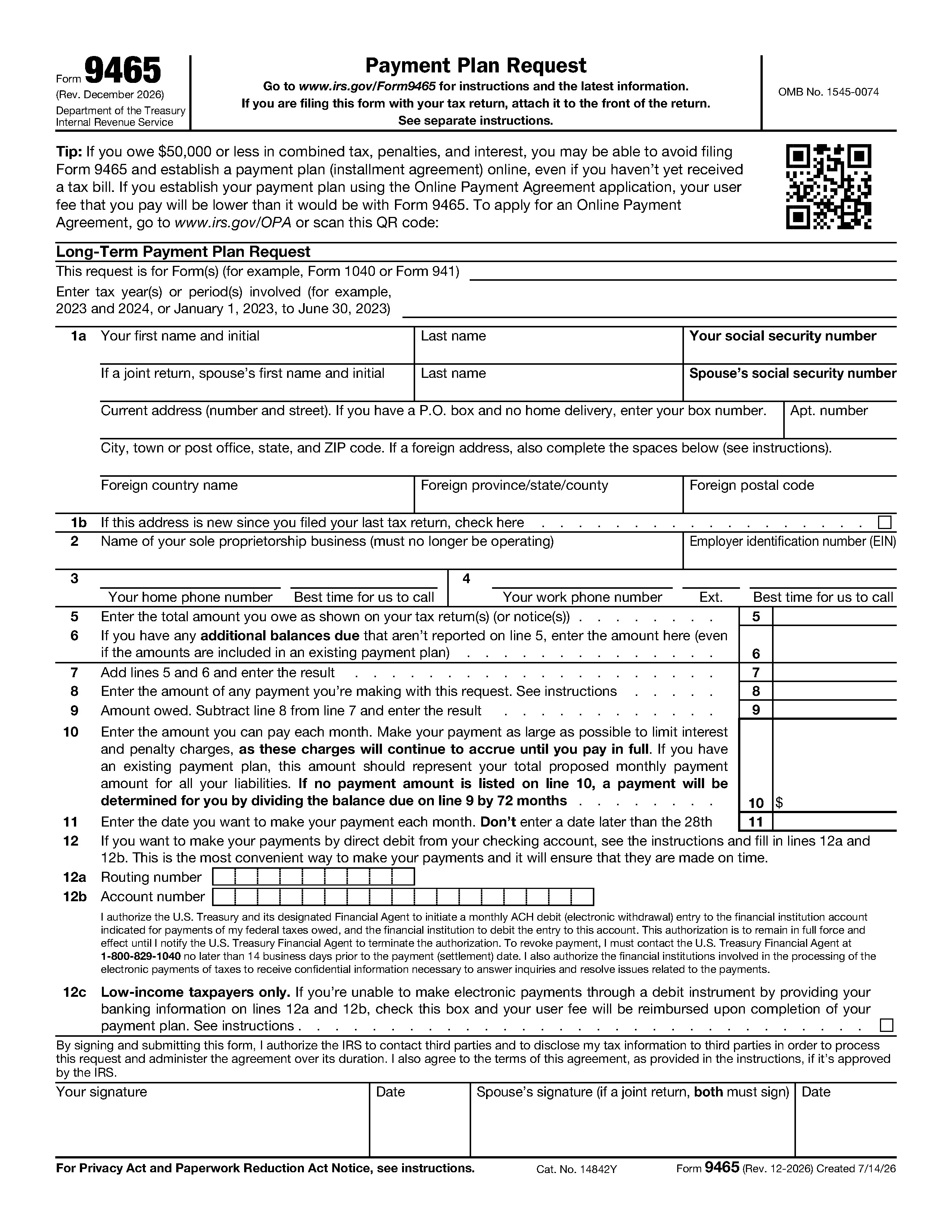
Form 9465 - Installment Agreement Request
Used to request a monthly payment plan if you cannot pay the full amount of taxes you owe. Allows taxpayers to pay their tax debt over time rather than in a lump sum.

IRS Form 8822 - Change of Address
IRS Form 8822, "Change of Address," is used by individuals to notify the IRS of a change to their home mailing address, ensuring they receive tax-related correspondence, refunds, and notices.

Form 1040-X - Amended U.S. Individual Income Tax Return
Amended U.S. Individual Income Tax Return is used to correct errors or make updates to a previously filed tax return. Whether you need to revise your income, change your filing status, or claim...

Form W-2 - Wage and Tax Statement
Annual statement that employers must provide to employees and the IRS reporting wages paid and taxes withheld. Essential document for filing individual income tax returns.
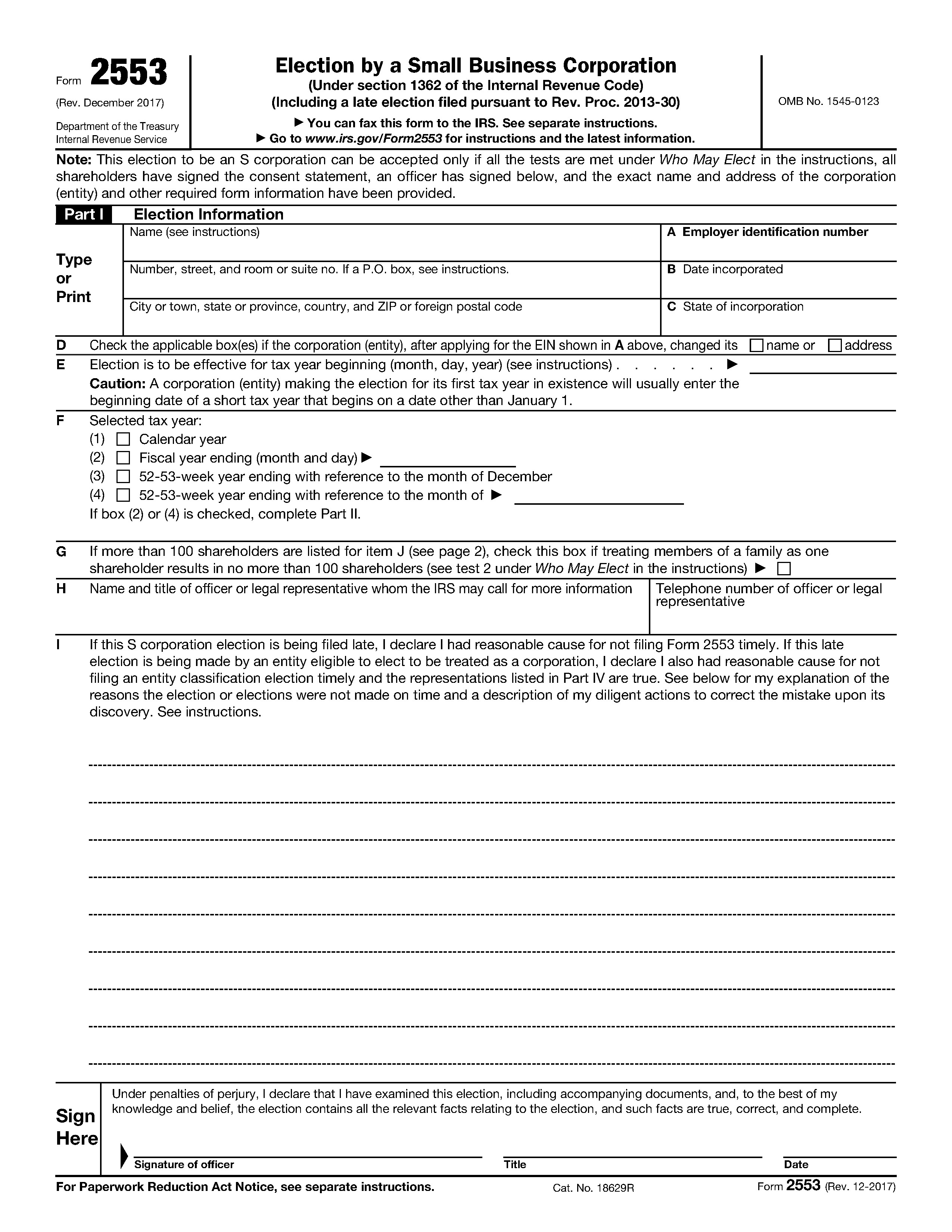
Form 2553 - Election by a Small Business Corporation
Form 2553 is the IRS election a corporation or LLC files to be taxed as an S corporation. It is signed by an officer and every shareholder, then mailed or faxed to the IRS.
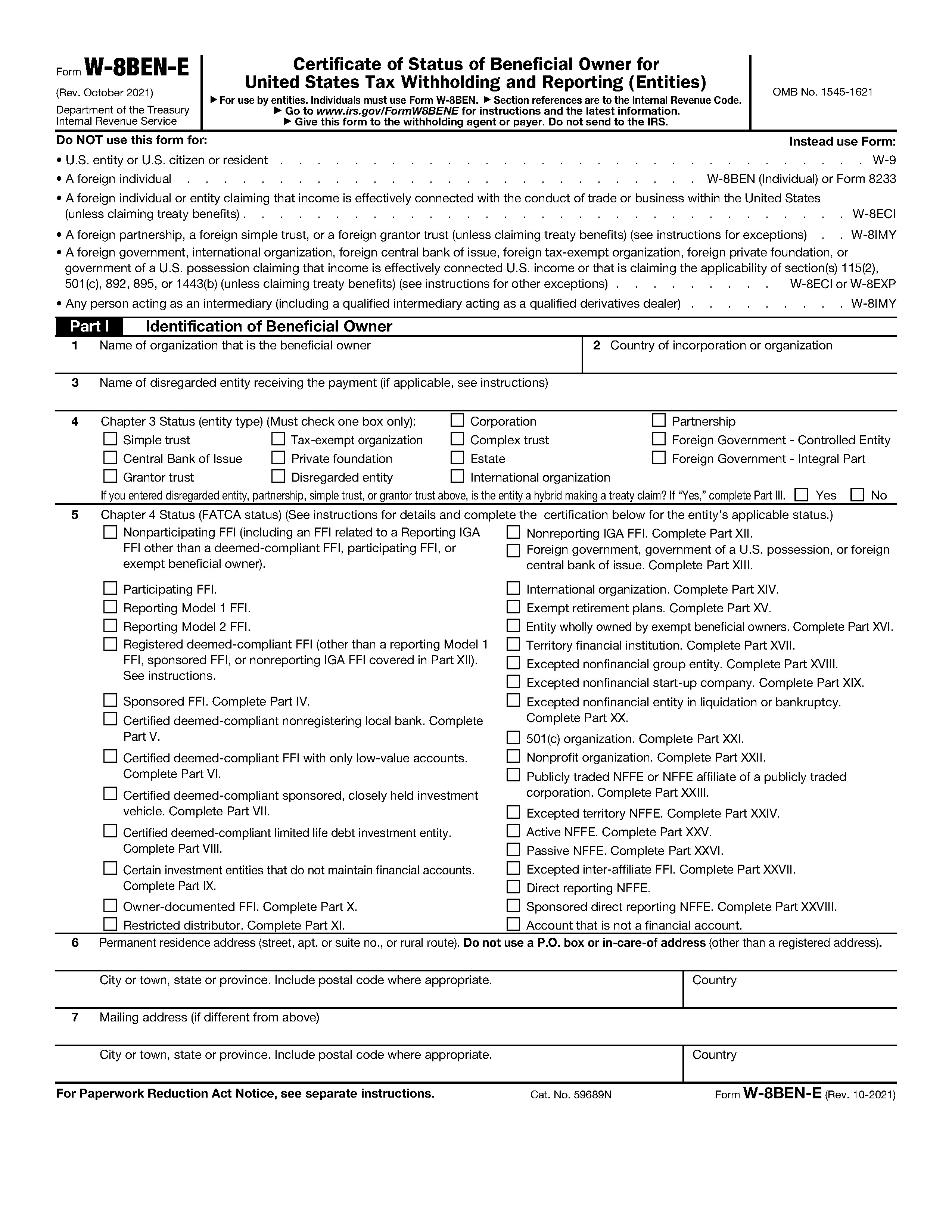
Form W-8BEN-E - Certificate of Status of Beneficial Owner for United States Tax Withholding and Reporting (Entities)
Form W-8BEN-E is the certificate a foreign entity gives a US payer to document its tax status and FATCA status. It goes to the payer, not to the IRS.

Form 1040-SR - Tax Return for Seniors
Designed for taxpayers age 65 or older, this version of the standard return features larger print and a simplified standard deduction table to make it easier to read and file manually.

Form W-4 - Employee's Withholding Certificate
Completed by employees to indicate their tax situation to their employer. Determines the amount of federal income tax to withhold from paychecks based on filing status and allowances.

Form 1099-DA - Digital Asset Transactions
Form 1099-DA "Digital Asset Proceeds From Broker Transactions" is a new IRS form designed to report digital asset sales, including crypto, NFTs, and stablecoins, to taxpayers and the IRS.