What Form I-90 is
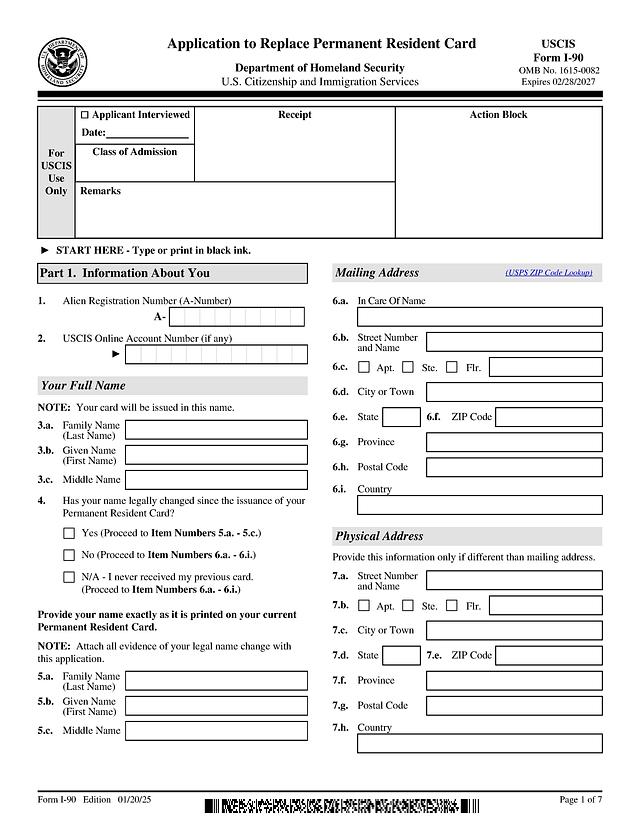
Form I-90, Application to Replace Permanent Resident Card, is the U.S. Citizenship and Immigration Services (USCIS) form for renewing or replacing a Green Card. This template is the 7-page edition 01/20/25, which matches the edition on the official USCIS Form I-90 page as of October 3, 2026. USCIS says it may reject a form that includes pages from a different edition.
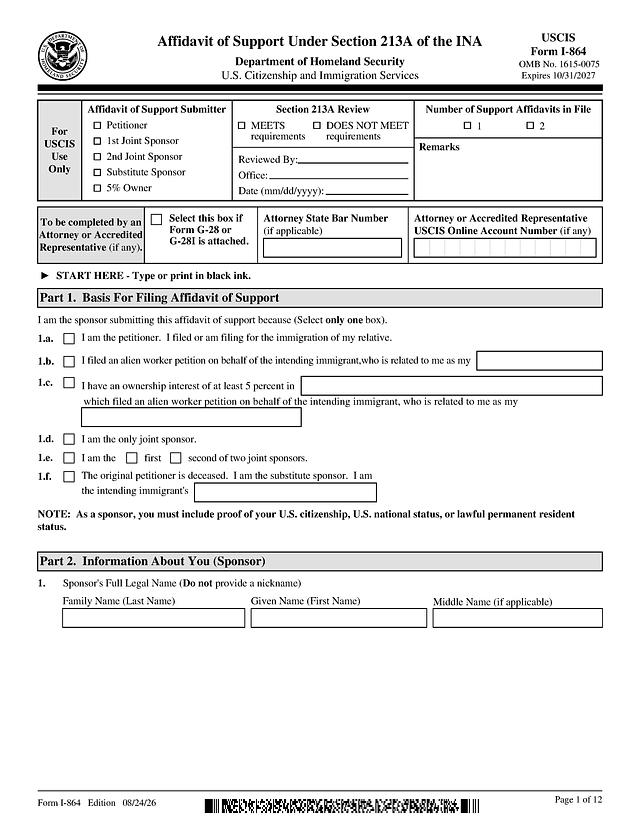
Conditional residents should not use Form I-90 to remove the conditions on a two-year card. USCIS directs them to Form I-751 (marriage-based) or Form I-829 (investor-based) instead.
Who typically files it
Part 2 of this edition lists the reasons you can select. For lawful permanent residents (Section A), they include:
- The card was lost, stolen, or destroyed, or it was issued but never received
- The card is mutilated, or has incorrect data because of a DHS error
- Your name or other biographic information legally changed after the card was issued
- The card has expired or will expire within six months
- You reached your 14th birthday and are registering as required
- Commuter status changes, automatic conversion to permanent resident status, or a prior card edition
Section B is for conditional permanent residents and covers a narrower set of reasons, such as a lost, mutilated, or incorrect card or a legal name change. If you are unsure which reason applies, the Form I-90 instructions explain each one.
What to have ready
- Your A-Number and USCIS Online Account Number, if you have one
- Your current card or a copy, if you still have it
- Your name exactly as on the card, and proof of any legal name change
- Your class of admission and date of admission, as shown on the card
- Where you applied for your immigrant visa or adjustment of status, and where it was issued or granted
How to fill out Form I-90 online with PDF Editify
Click "Fill Template Now," type your answers into the form, and download the completed PDF. Leave the signature box empty, then print and sign it by hand.
Part 1. Information About You
A-Number, USCIS Online Account Number, full name, any legal name change, mailing and physical addresses, sex, date and place of birth, your parents' given names, class of admission, date of admission, and Social Security number if you have one.
Part 2. Application Type
First select your status (lawful permanent resident, permanent resident in commuter status, or conditional permanent resident), then select one reason in Section A or Section B. Select only one reason.
Part 3. Processing Information
Where you applied for and received your immigrant visa or adjustment of status, your destination and port of entry if you entered with an immigrant visa, questions about removal proceedings and Form I-407, and your biographic details (ethnicity, race, height, weight, eye and hair color).
Parts 4 to 8
Part 4 is for accommodation requests. Part 5 is your statement, contact information, and signature. Parts 6 and 7 are for an interpreter or preparer, and Part 8 is extra space for longer answers.
Signing and filing
USCIS will not accept a typed name, a software-generated signature, or a signature image pasted onto a paper form, as explained in the USCIS Policy Manual on signatures. Print the application, sign Part 5 in ink, and keep a copy.
You can also file Form I-90 online with a USCIS online account, which handles the signature electronically. As of October 3, 2026, the I-90 page says you cannot file online if you are requesting a fee waiver. For paper filings sent by U.S. Postal Service, the page lists USCIS, Attn: I-90, P.O. Box 21262, Phoenix, AZ 85036-1262, with a separate street address for courier deliveries. Confirm the address on the Form I-90 page before mailing, as filing addresses can change.
Fees
The current fee for paper and online filing is listed in the USCIS Fee Schedule (Form G-1055). Fees are updated from time to time, so check the schedule on the day you file.
Common mistakes
- Selecting more than one reason in Part 2
- Filing an I-90 when you actually need to remove conditions with Form I-751 or I-829
- Forgetting to attach the existing card when the reason is a DHS error
- Typing the signature or leaving it blank
- Using an older edition of the form
See our Form I-90 how-to guide for more detail, or browse other U.S. government form templates.