
Productivity
Best E-Signature Software for Sales Teams in 2026
Sales teams in 2026 need speed, automation, and simple workflows to close deals faster. Traditional paperwork slows everything down, which is why e-signature tools have become essential in modern sales processes.
The best e-signature software for sales teams helps businesses send contracts, collect signatures, track documents, and integrate with CRM systems in just a few clicks. In this guide, we review the top e-signature platforms, compare features, pricing, and use cases, and help you choose the right solution for your business.
What Is an E-Signature Tool?
An e signature tool is a digital solution that allows users to sign documents online without printing or scanning paper. It helps individuals and businesses complete agreements faster using secure online systems.
These tools are widely used in electronic signature software workflows where users can send contracts, request approvals, and track signing status in real time. Most platforms also allow users to add signature to PDF files directly.
E-signature systems are especially useful for online contract signing, making them a must-have for remote teams and fast-moving sales environments.
10 Best E-Signature Tools for Sales Teams in 2026
1. PDF Editify - Best PDF-Native Signing Tool

PDF Editify is the only tool on this list that combines full PDF editing with e-signature collection in a single platform, no format switching, no separate tools. Sales teams that already work with PDF contracts, proposals, and agreements can edit, prepare, and send documents for signature in one place.
Unlike enterprise platforms that require training and complex setups, PDF Editify is built for speed. It is especially well suited for small businesses, startups, and lean sales teams that want to sign PDF online without paying enterprise-tier prices.
Best for: Small businesses, startups, and teams with existing PDF-based contract workflows
Key Features:
- Add signature to PDF instantly, no conversion needed
- Built-in PDF editing (text, fields, annotations)
- Drag-and-drop signature field placement
- Secure document sharing with tracking
- Fast contract processing for high-volume teams
Pros:
- Only tool combining PDF editing + e-signing in one workflow
- No steep learning curve, works immediately
- Cost-effective as compared to DocuSign and Adobe Sign
- Great for teams already distributing PDF contracts
Cons:
- No built-in CRM integration yet
- Less suited for complex multi-party enterprise workflows
Pricing:
Affordable plans based on usage
- Starter Plan: $3/user/week
- Standard Plan: $10/user/month
- Lifetime Membership: $99/user/lifetime
G2 Rating: ~5/5
If your sales team works with PDF contracts and wants to stop paying enterprise prices just to collect a signature, PDF Editify is the most direct solution on this list. Sign your first PDF contract.
2. PandaDoc - Best All-in-One Sales Document Platform
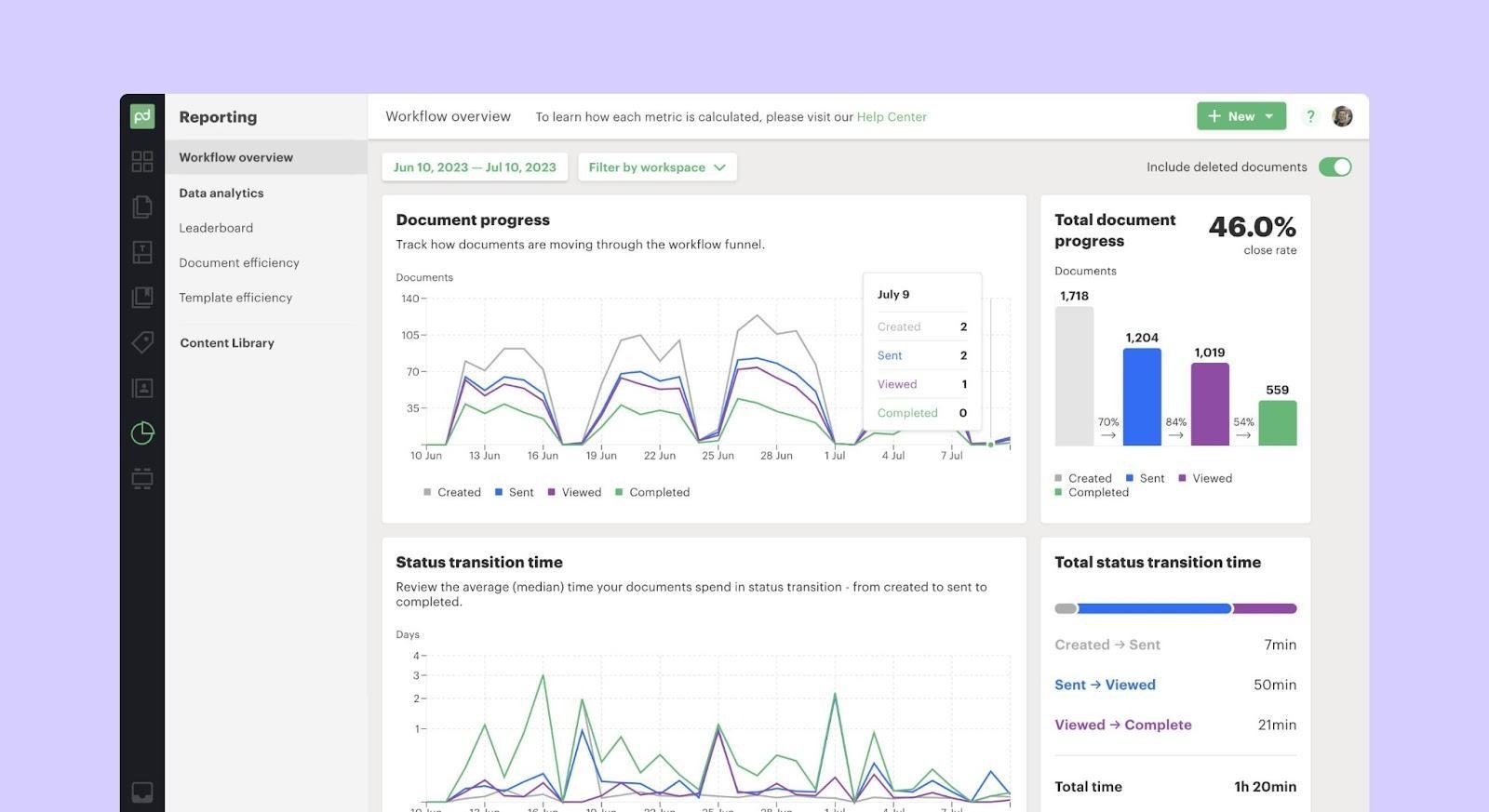
PandaDoc is consistently ranked as the top choice for sales teams that want proposals, contracts, and e-signatures managed in a single platform. Its drag-and-drop document builder, proposal analytics, and deep CRM integrations make it purpose-built for revenue teams.
Best for: B2B sales teams sending proposals, quotes, and contracts regularly
Key features:
- Branded proposal builder with pricing tables and videos
- Built-in e-signature collection
- Document analytics, see when clients open and review sections
- CRM integrations: Salesforce, HubSpot, Pipedrive, Zoho
- Workflow automation and approval routing
- Payment collection is built in
Pros:
- Reduces proposal creation time by up to 65% (reported by users)
- Real engagement analytics show what prospects actually read
- Strong free tier for small teams
- Best-in-class proposal-to-signature workflow
Cons:
- Can feel like overkill if you only need basic signing
- Advanced features locked behind higher-tier plans
- Per-user pricing adds up for large teams
Pricing:
- Starts at $19/user/month
- Business Plan at $49/user/month
G2 Rating: 4.7/5
The best overall choice for sales teams that want the full document lifecycle, from proposal creation to signed contract, in one trackable platform.
3. DocuSign - Best for Enterprise Compliance
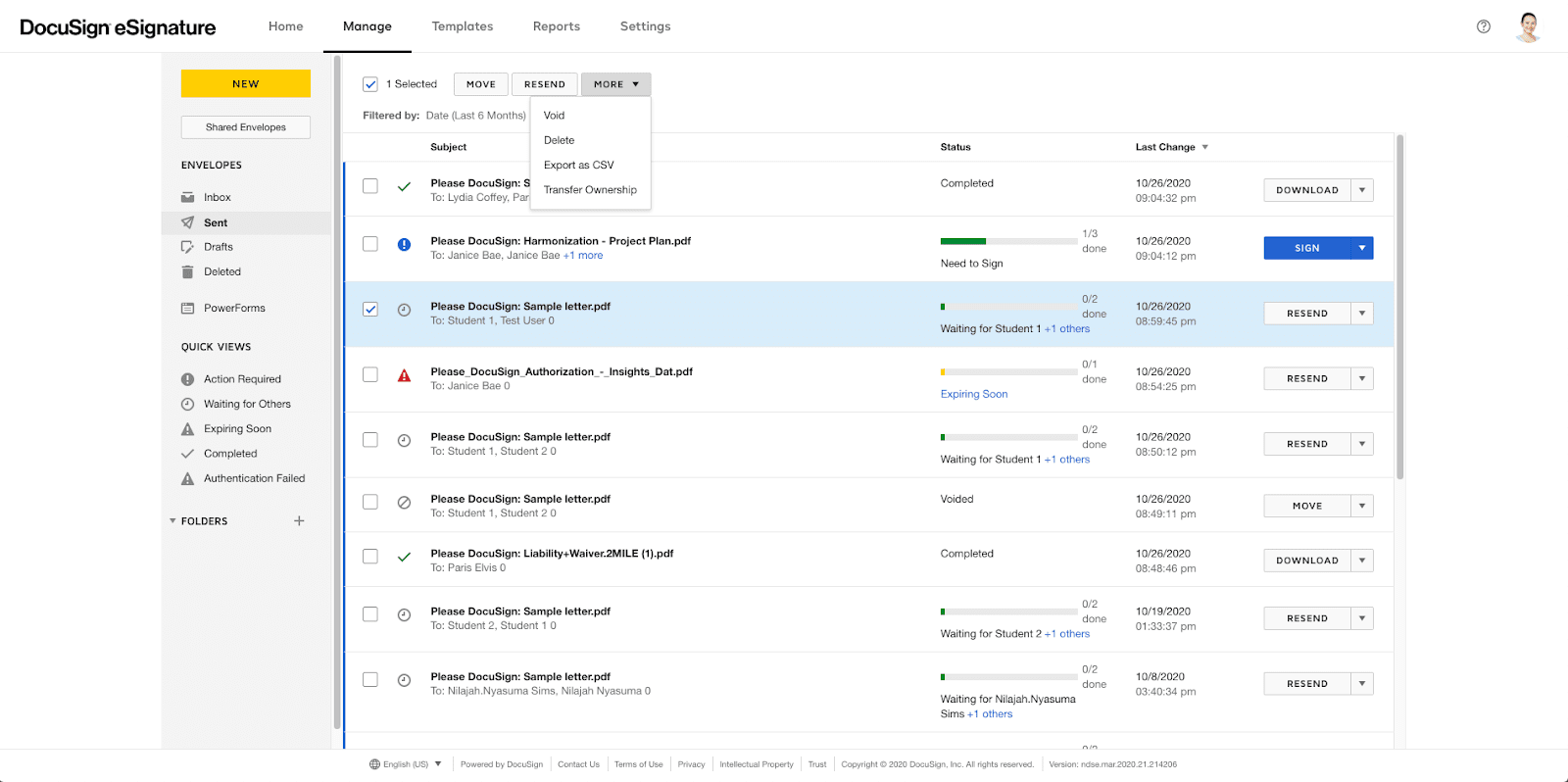
DocuSign is the most recognized e-signature platform in the world, used by over 1 million customers globally. It is the default choice for large enterprises that need advanced compliance certifications, deep integration libraries, and high-volume contract workflows.
Best for: Enterprise organizations, regulated industries, high-volume contract environments
Key features:
- 400+ app integrations including Salesforce, Microsoft 365, SAP
- Advanced workflow automation with conditional routing
- Global compliance: SOC 2, HIPAA, eIDAS, ESIGN Act, UETA
- Intelligent Agreement Management (IAM) with AI contract analysis
- Bulk send and approval chains
- Full audit trail with timestamps and IP addresses
Pros:
- Most widely trusted brand, clients recognize and trust DocuSign requests
- Largest integration ecosystem of any platform
- Enterprise-grade security and compliance
- Advanced AI features for contract insights
Cons:
- Most expensive option on this list, pricing escalates fast
- Per-envelope limits on lower plans create hidden costs
- Complex configuration for small teams
- No built-in document creation, you upload existing files
Pricing:
- Starting price: Personal from $10/month
- Standard from $25/user/month
- Business Pro from $40/user/month
G2 Rating: 4.5/5
The gold standard for enterprise compliance and volume. If DocuSign pricing is a concern, see DocuSign alternatives.
4. Proposify - Best for Proposal-Led Sales Teams
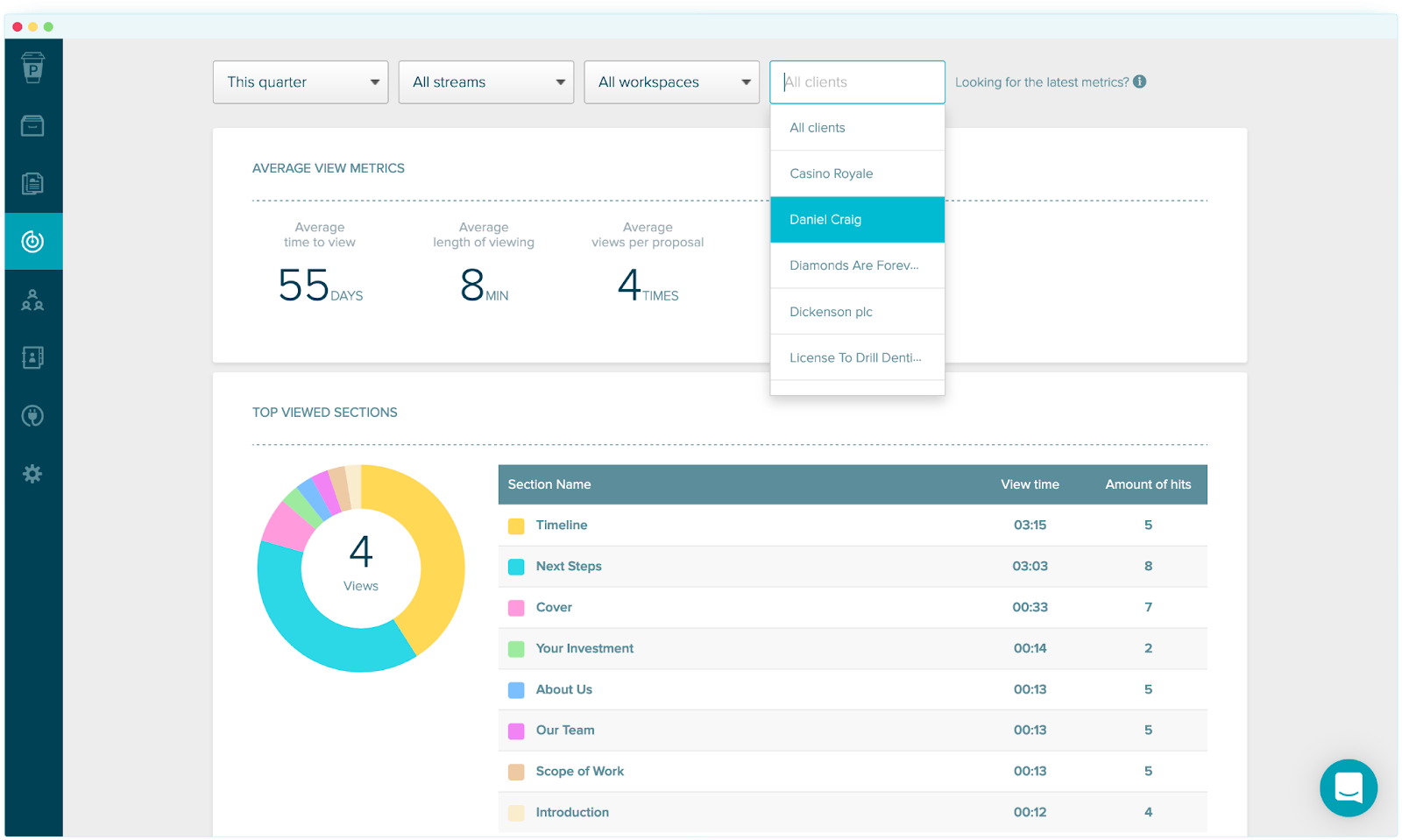
Proposify sits at the intersection of proposal software and e-signature platform. It is designed specifically for B2B sales teams that send structured, designed proposals with pricing tables and terms, and need to track every interaction before the client signs.
Best for: B2B sales teams with structured proposal workflows
Key features:
- Professional proposal templates with brand customization
- Built-in e-signature at the end of every proposal
- Real-time proposal analytics, time spent per section, open rates
- Approval workflows for internal sign-off before sending
- CRM integrations: Salesforce, HubSpot, and more
- Electronic signature legally compliant with ESIGN and eIDAS
Pros:
- Specifically built for sales proposal workflows (not generic signing)
- Strong analytics help reps know when to follow up
- Clean client-facing experience
- Approval routing reduces errors before sending
Cons:
- Higher price point than standalone e-signature tools
- Less useful if you only need basic contract signing
- Template library smaller than PandaDoc
Pricing:
- Starts at $29/user/month
- Team plan from $49/user/month
- Business from custom pricing
G2 Rating: 4.6/5
If your sales cycle starts with a formatted proposal rather than a pre-written contract, Proposify is the most focused tool for that workflow.
5. Adobe Acrobat Sign - Best for PDF-Heavy Enterprises
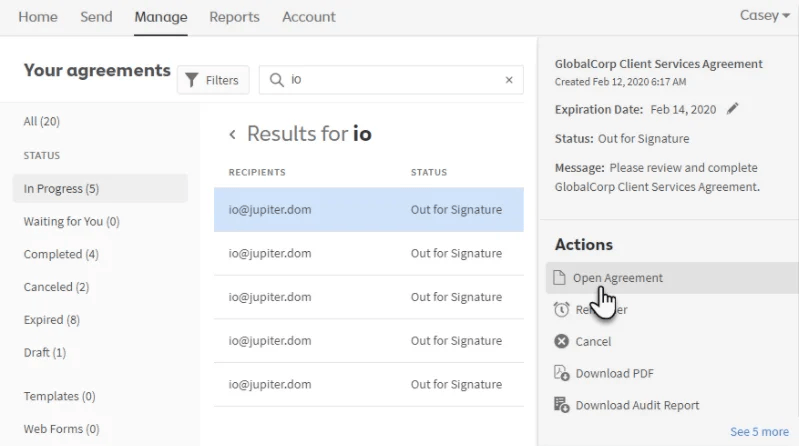
Adobe Acrobat Sign is part of Adobe Document Cloud and is designed for organizations already embedded in the Adobe ecosystem. Its native PDF integration makes it especially strong for teams that need to edit, annotate, and collect signatures on the same document without switching platforms.
Best for: Enterprises and large teams managing high volumes of PDF-based workflows
Key features:
- Native PDF editing and e-signature in one platform
- Microsoft 365 deep integration (Word, Outlook, Teams)
- Advanced workflow automation
- Enterprise-grade security and eIDAS compliance
- Mobile signing on any device
- CRM and ERP integrations
Pros:
- Best-in-class if you already use Adobe products
- No format switching, PDF editing and signing are native
- Familiar interface requires minimal team training
- Strong compliance certifications
Cons:
- Premium pricing, expensive compared to alternatives
- Overkill for teams that just need basic signing
- Less intuitive for creating proposals from scratch
Pricing:
- Individual from $14.99/month
- Business plans from $23/user/month
G2 Rating: 4.4/5
The strongest option for organizations already using the Adobe ecosystem tools. For teams without Adobe investments, the price is hard to justify vs. alternatives.
6. Qwilr - Best for Visual, Interactive Proposals
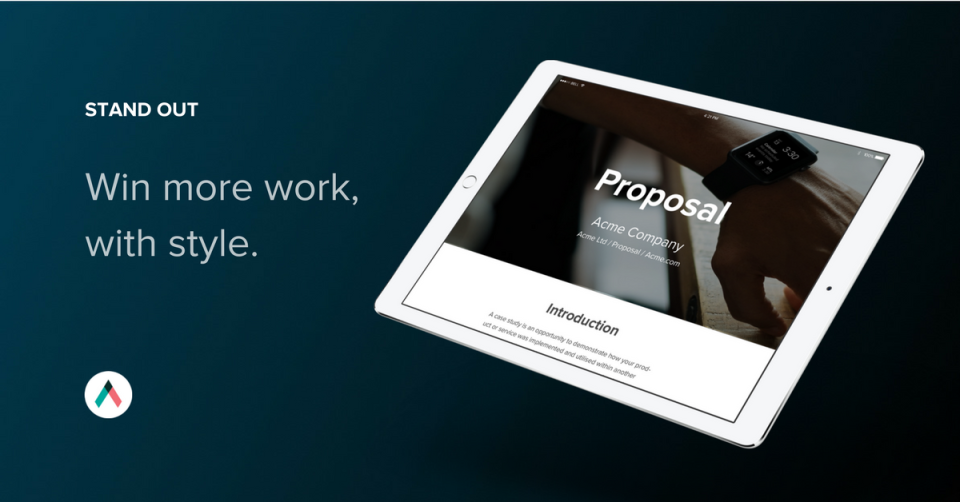
Qwilr takes a different approach, instead of PDF documents, it turns proposals into interactive web pages with embedded e-signature, pricing tables, and analytics. It is designed for sales teams that want a premium, design-forward client experience.
Best for: Sales teams in creative, SaaS, or agency industries where presentation quality matters
Key Features:
- Web-based interactive proposals (not static PDFs)
- Built-in e-signature collection
- Accept payments directly in proposals
- Real-time engagement tracking, see every scroll and click
- CRM integrations: Salesforce, HubSpot, Pipedrive
- Custom branding and domain
Pros:
- Most visually impressive client experience of any tool here
- Engagement analytics show exactly how prospects interact
- Combines proposal, pricing, and signature in one URL
- Accepted payments reduce additional steps post-signing
Cons:
- Not suitable for industries that require PDF deliverables
- Higher price relative to basic signing tools
- Web-page format may feel unusual in conservative industries
Pricing:
- Business plan from $39/user/month
- Enterprise at $59/user/month
G2 Rating: 4.6/5
If first impressions matter in your sales cycle and your clients expect polished deliverables, Qwilr delivers the highest-quality signing experience on this list.
7. GetAccept - Best for Sales Engagement + Signing

GetAccept positions itself as a Digital Sales Room platform rather than just an e-signature tool. It combines document signing with video messaging, buyer engagement tracking, and collaborative deal rooms, giving sales reps insight into every touchpoint before a contract is signed.
Best for: Sales engagement teams that want visibility into how deals progress
Key features:
- Digital sales rooms, centralized spaces for all deal materials
- Video messaging to personalize proposals
- E-signature collection
- Engagement tracking, pages viewed, time spent, actions taken
- CRM integrations: Salesforce, HubSpot, Pipedrive
- Automated reminders and follow-up workflows
Pros:
- Goes far beyond e-signing, full deal engagement visibility
- Video messaging helps personalize large deals
- Strong analytics for sales managers monitoring rep performance
- Integrates well with existing CRM stacks
Cons:
- More complex than teams that only need basic signing
- Higher price for the full feature set
- Custom pricing lacks transparency
Pricing:
- Essential from $25/user/month
- Professional: $49/user/month
G2 Rating: 4.6/5
The best choice for teams that want to understand buyer behavior throughout the deal, not just collect a signature at the end.
8. Dropbox Sign - Best for Cloud-First Small Teams

Dropbox Sign (formerly HelloSign) is a clean, minimal e-signature platform that integrates natively with Dropbox and offers a straightforward API for developers. It is well-suited for small teams that want reliable signing without the complexity of enterprise platforms.
Best for: Small and mid-sized teams using Dropbox for document storage
Key features:
- Simple document upload, field placement, and send workflow
- Native Dropbox storage integration
- Reusable templates for recurring documents
- API access for embedding signatures in apps
- Audit trail and compliance support
- Mobile-friendly signing experience
Pros:
- Cleanest, simplest signing experience on this list
- Dropbox integration removes extra file management steps
- Generous API for developer teams building custom workflows
- No training required, works on first use
Cons:
- No document creation, you upload existing files only
- No proposal analytics or engagement tracking
- Fewer CRM integrations than PandaDoc or DocuSign
Pricing:
- Starting price: Essentials from $15/user/month
- Standard from $25/user/month
G2 Rating: 4.7/5
The most frictionless option for teams that already live in Dropbox and want to add signing without switching tools.
9. Zoho Sign - Best for Zoho Ecosystem Users
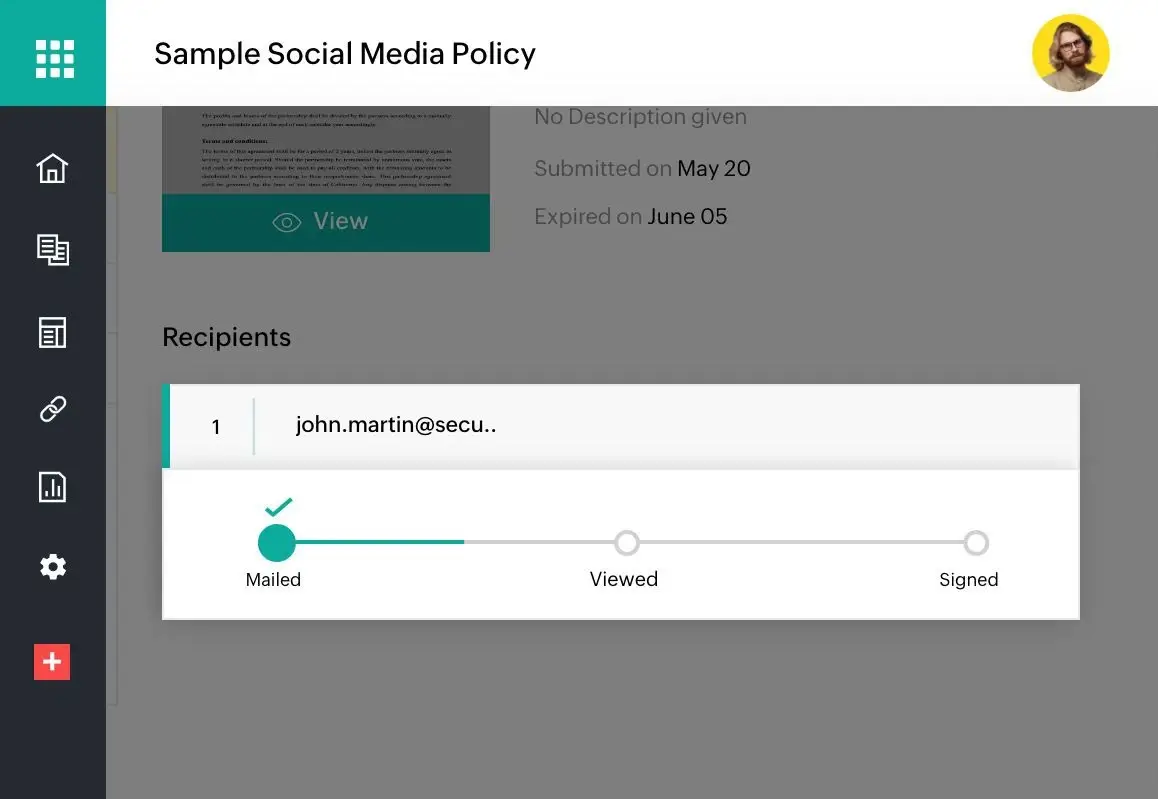
Zoho Sign is a cost-effective e-signature solution that works best within the broader Zoho ecosystem. For businesses already using Zoho CRM, Books, or Projects, Zoho Sign connects natively and handles signing workflows without adding another vendor to your stack.
Best for: SMBs and mid-market teams already using Zoho products
Key features:
- Full Zoho ecosystem integration (CRM, Books, Projects)
- Workflow automation and signing order configuration
- Mobile signing on iOS and Android
- Secure authentication with multi-factor options
- eIDAS, ESIGN Act, and UETA compliance
- Team collaboration features
Pros:
- Most cost-effective on this list for Zoho users
- No additional integration work needed within Zoho stack
- Strong automation at a low price point
- Good compliance certifications for the price
Cons:
- Limited value if you are not using Zoho products
- Fewer integrations with non-Zoho tools
- Interface less polished than PandaDoc or DocuSign
Pricing:
- Standard from $10/user/month
- Professional from $16/user/month
G2 Rating: 4.4/5
If your team is in the Zoho ecosystem, Zoho Sign is the obvious choice, deep integration and strong automation at the lowest per-user cost on this list.
10. SignNow - Best Budget E-Signature Platform
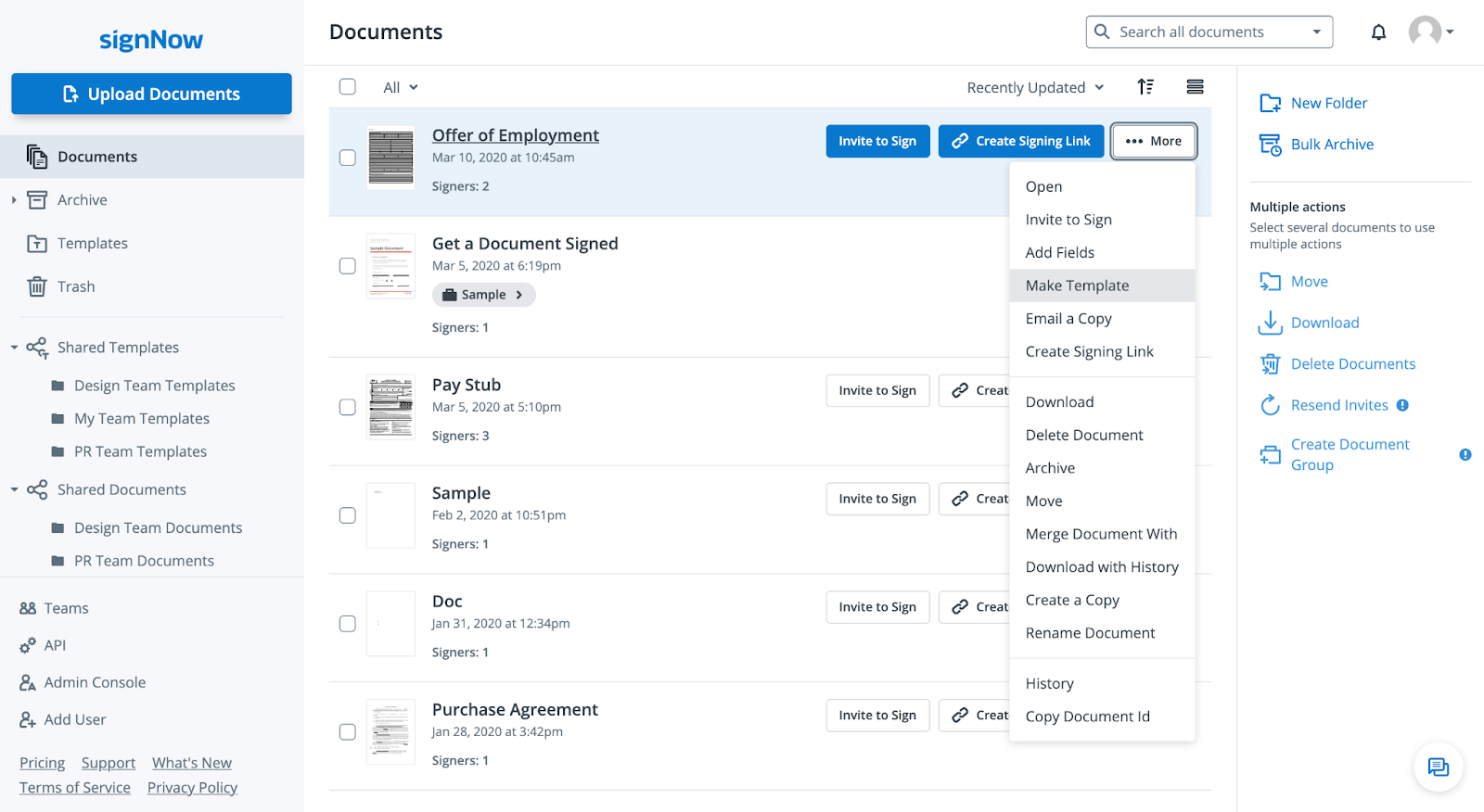
SignNow is the most affordable full-featured e-signature platform for sales teams. Part of the airSlate ecosystem, it offers unlimited signatures, templates, and workflow automation at a price point well below DocuSign or Adobe Sign.
Best for: Budget-conscious small and mid-sized sales teams
Key features:
- Unlimited signatures on all plans
- Document templates for recurring sales contracts
- Team collaboration and role-based access
- Mobile signing on any device
- Cloud storage integrations (Google Drive, Dropbox, OneDrive)
- Kiosk mode for in-person signing
Pros:
- Lowest price of any full-featured tool on this list
- Unlimited signatures, no envelope limits
- Fast onboarding with minimal setup
- Good for high-volume, repetitive contract sending
Cons:
- No built-in document or proposal creation
- Less advanced CRM integrations than PandaDoc or DocuSign
- No engagement analytics for sales teams
- Interface lacks polish of higher-end tools
Pricing:
- Business from $8/user/month
- Business Premium from $15/user/month
G2 Rating: 4.6/5
The best value pick for teams that need reliable, high-volume signing without enterprise complexity or cost.
How to Choose the Right E-Signature Platform
Choosing the right e-signature software for your sales team comes down to four factors:
1. Match pricing to your document volume
Per-envelope pricing models (DocuSign, some Adobe plans) cost less at low volume but get expensive fast. Flat-rate unlimited models (SignNow, PandaDoc) are better for teams sending 20+ documents per month. If you primarily work with PDFs, PDF Editify's usage-based model avoids subscription overhead entirely.
2. Check CRM integration depth
Sales teams that live in Salesforce or HubSpot need e-signature tools that sync deal data without manual entry. PandaDoc, DocuSign, and GetAccept offer the deepest CRM e-signature integration. Zoho Sign is best if you use Zoho CRM.
3. Decide: standalone signing or full workflow
Standalone tools (DocuSign, Dropbox Sign, SignNow) are best when you already have documents prepared and just need signatures collected. Integrated tools (PandaDoc, Proposify, Qwilr) manage the full document lifecycle from creation to signature, better if proposals are part of your workflow.
4. Verify compliance for your industry
All major platforms support ESIGN Act and UETA for US-based contracts. For EU/UK deals, confirm eIDAS compliance. Healthcare organizations should verify HIPAA BAA availability. Financial services teams should check SOC 2 Type II certification.
Why Sales Teams Need E-Signature Software in 2026
Sales cycles are becoming shorter, and customers expect instant responses. Relying on paper documents can slow down deals and create unnecessary delays.
Using e-signature software for sales teams helps eliminate manual work and improves the overall customer experience. It also ensures that contracts are completed quickly and securely from anywhere in the world.
Close Deals Faster
Speed is everything in sales. When contracts take days to process, there is a higher chance of losing the customer. Traditional methods like printing and scanning create unnecessary friction.
With digital signing, customers can review and sign documents instantly from mobile or desktop. This significantly improves conversion rates and helps teams close deals faster.
Reduce contract turnaround time by up to 80%
Adobe's research shows that businesses using digital document workflows cut turnaround time by up to 80 percent. For a sales team closing 50 deals per month, that represents dozens of hours reclaimed for selling rather than chasing paperwork.
Improve Efficiency and Reduce Errors
Manual paperwork often leads to missing signatures or incorrect document versions. These mistakes slow down approvals and require extra follow-ups.
E-signature platforms automate document tracking and ensure that every step is recorded correctly. This reduces human error and improves workflow accuracy.
Work Directly From Your Sales Tools
Modern e-signature platforms integrate with CRM systems and sales tools. This means sales representatives do not need to switch between multiple applications.
Instead, they can create, send, and track contracts directly from their existing workflow, improving productivity and reducing time waste.
Legally Binding Electronic Signatures
Many businesses worry about legal validity. However, most platforms provide a legally binding electronic signature under regulations like ESIGN Act and UETA.
This ensures that digital contracts are enforceable and secure, just like traditional paper agreements.
Save Time and Operational Costs
Using digital systems reduces printing, scanning, and storage costs. It also saves employee time, allowing teams to focus more on selling rather than paperwork.
Security and Compliance for E-Signature Platforms
Security is one of the most important factors when choosing a digital signing tool. Businesses need assurance that their data is safe and legally compliant.
ESIGN Act and UETA Compliance
Most platforms follow legal frameworks such as ESIGN Act and UETA. These ensure that electronic signatures are legally valid and accepted in business transactions.
HIPAA Compliance
For healthcare organizations, HIPAA compliance ensures that sensitive patient data is protected during document handling and signing processes.
Data Encryption
Encryption protects documents while they are being transferred or stored. This prevents unauthorized access and keeps business data secure.
Audit Trails
Audit trails record every action taken on a document. This includes who viewed, signed, or edited a file, along with timestamps for full transparency.
Common Use Cases for E-Signature Software
Electronic signatures are used across many industries.
- Sales contracts: Send proposals and close deals faster, the primary use case for this entire guide.
- HR employee onboarding: Offer letters, NDAs, benefits enrollment, and policy acknowledgments sent and signed before day one.
- Legal agreements: Service agreements, retainers, and compliance documentation signed without scheduling in-person meetings.
- Vendor and supplier contracts: Procurement teams send, track, and archive supplier agreements digitally with full audit trails.
- Freelance and agency contracts: Independent professionals collect client signatures on project agreements, scope documents, and invoices.
-
Real estate transactions: Agents process purchase agreements, disclosures, and lease documents without physical paperwork.
Conclusion
The best e-signature software for your sales team depends on where you are in the deal process and what you already use.
If your workflow starts with a PDF contract, PDF Editify removes every unnecessary step edit, prepare, and collect signatures without switching tools or paying enterprise prices.
If your workflow starts with a proposal, PandaDoc is the most complete solution, combining document creation, signing, and analytics in one platform.
If enterprise compliance and scale are the priority, DocuSign remains the benchmark, though the price reflects it.
Wherever you land, eliminating paper-based signing is one of the highest-leverage changes a sales team can make in 2026. Faster contracts mean faster revenue, and the right e-signature tool pays for itself on the very first deal it closes.
Frequently Asked Questions
What is the best low-cost e-signature software for small businesses?
PDF Editify, SignNow, and Zoho Sign are commonly chosen because they provide useful features at lower costs.
Can I sign without Adobe?
Yes. You can sign without Adobe using many tools such as PDF Editify, PandaDoc, Zoho Sign, and Dropbox Sign.
Are electronic signatures legally binding for sales agreements?
Yes. Many modern platforms support legally binding electronic signature standards through compliance regulations and audit trails.
Can I add a signature to PDF online for free?
Some platforms provide free plans that allow users to add signature to PDF documents online.
Which electronic signature software works with CRM systems?
Many platforms integrate with CRM software, including PandaDoc, DocuSign, and Adobe Acrobat Sign.
What is the cheapest DocuSign alternative?
SignNow at $8/user/month is the most affordable full-featured alternative. PDF Editify is even more cost-effective for teams with lower document volumes on a usage-based model.