A PDF editor is software that lets you modify, convert, annotate, and manage PDF files beyond just viewing them. The best PDF editor does more than change text; it handles form filling, document security, OCR for scanned files, and cross-platform sync. These tools save your time by eliminating the need to retype content or switch between multiple programs.
The main benefits of a good PDF editor include faster document workflows, reduced paper usage, and the ability to collaborate with others on the same file. You use PDF editors for everything from editing a single-page invoice to merging hundred-page contracts, signing legal documents, or converting scanned receipts into editable text.
Key components of a PDF editor include text and image editing tools, OCR (optical character recognition), annotation features (highlighting, comments, stamps), form creation and filling, document security (passwords, redaction), conversion engines, and mobile apps. The best options combine these into one seamless experience.
Best PDF Editors in 2026
1. PDF Editify: Your All-in-One PDF Solution
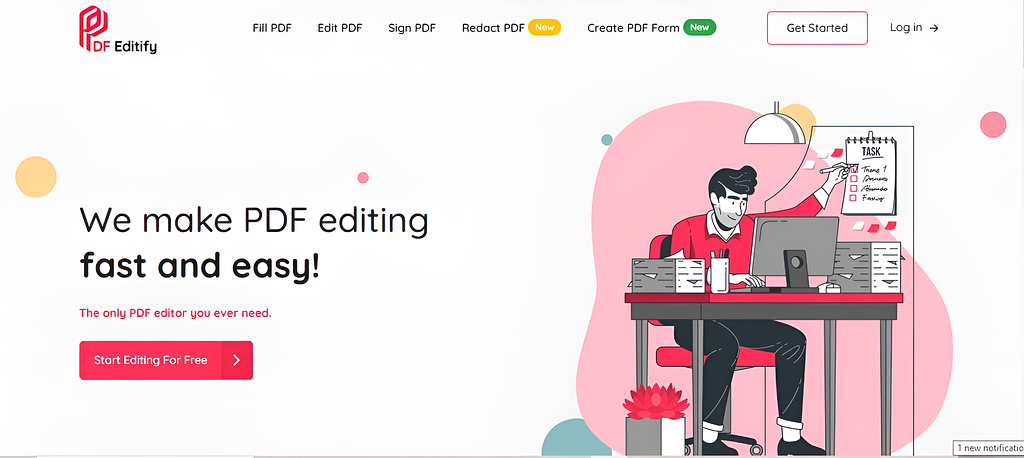
PDF Editify is a modern and user-friendly solution for all your PDF editing needs. The web-based editor combines powerful features with an intuitive interface, making it an excellent choice for both beginners and professionals.
PDF Editify keeps things simple. It offers core editing features, text editing, image insertion, form filling, and PDF protection at a lower price than most competitors. The interface is clean, and it handles basic tasks quickly. It's a solid choice if you don't need advanced features. Available for Windows and Mac. For users looking for affordable online PDF tools, PDF Editify offers one time purshase budget-friendly solutions for editing, protecting, and unlocking PDF files.
WhatsApp Image 2024-12-18 at 10,16,52 PM_enhanced.jpeg1.48 MB
Form Creation and Sharing:Create unlimited PDF forms with fields like text boxes, dates, radio buttons, dropdowns, checkboxes, and signatures. You can also share forms to collect data and signatures via public or private links.
Digital Signatures: Effortlessly add e-signatures or request them from others for official documents.
Permanent Redaction: Securely and permanently hide sensitive information in PDFs with customizable black or white redaction.
OCR: Convert any scanned PDF into Word with intelligent OCR processing.
Cloud Integration: Access your documents from anywhere, anytime.
Secure Document Management: Save, organize, and manage documents in your dashboard.
TeamCollaborations: Share and edit documents with your team members.
Intuitive user interface: Modern interface and easy to use.
Affordable Pricing: Cost-effective plans for unlimited usage.
Pricing Plans:
Standard Plan ($10/month):
Unlimited PDF editing, tool usage, e-signatures, and form creation.
Up to 100 form responses per month.
Permanent redaction included.
Secure cloud storage and document management.
Lifetime Plan ($99 one-time payment): Same as Standard Plan with lifetime access.
2. Canva
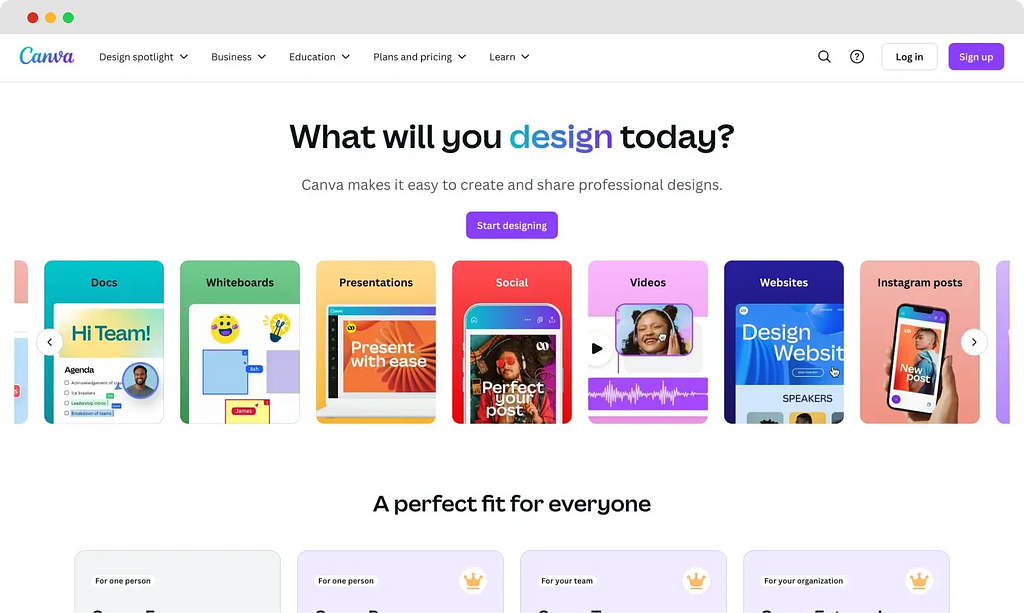
Primarily a graphic design platform, Canva also includes powerful PDF editing features. Its intuitive drag-and-drop interface makes it easy to edit text, images, and layouts within PDFs. With a vast library of customizable templates, Canva is ideal for quick edits and creating professional, visually appealing documents.
canva.webp50.1 KB
Pros
Simple and beginner-friendly interface.
Offers tools for social media and design alongside PDFs.
Cons
Limited PDF editing features in the free plan.
Pricing
Free: Basic tools and 5 GB storage.
Pro: $15/month per person.
$120–$155/year.
3. SwifDoo PDF
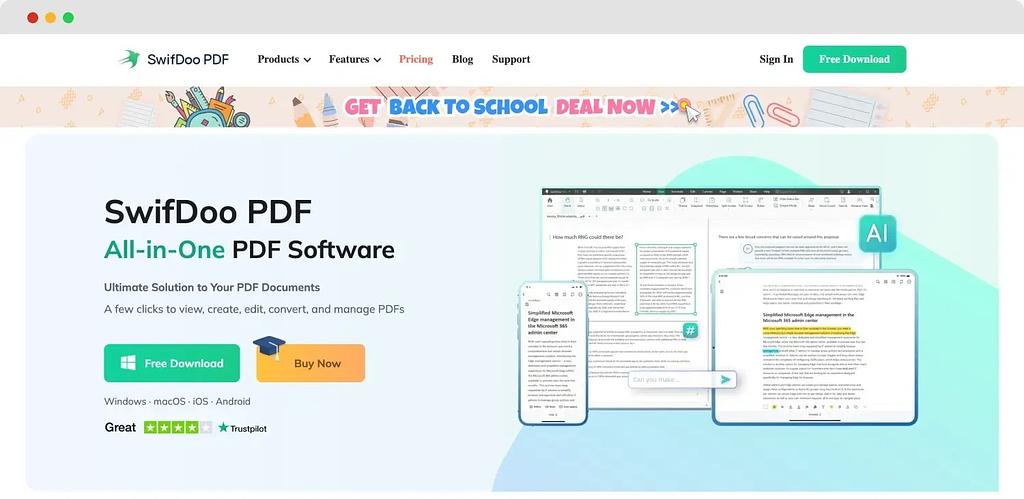
SwifDoo PDF is a PDF editor offering features like OCR, electronic signatures, text, and image editing. With its intuitive interface and robust tools, it simplifies tasks like merging, splitting, and annotating PDFs, making it a good option for personal and professional use.
WhatsApp Image 2024-12-19 at 11.34.47 PM.jpeg139 KB
Pros
Easy for Microsoft Office users.
Offers a free trial for all features.
Cons
No permanent free version; only a 7-day trial.
Pricing
Free Trial: 7 days.
Paid Plans: Start at $60/quarter.
4. Adobe Acrobat Pro: Best PDF Editor Overall
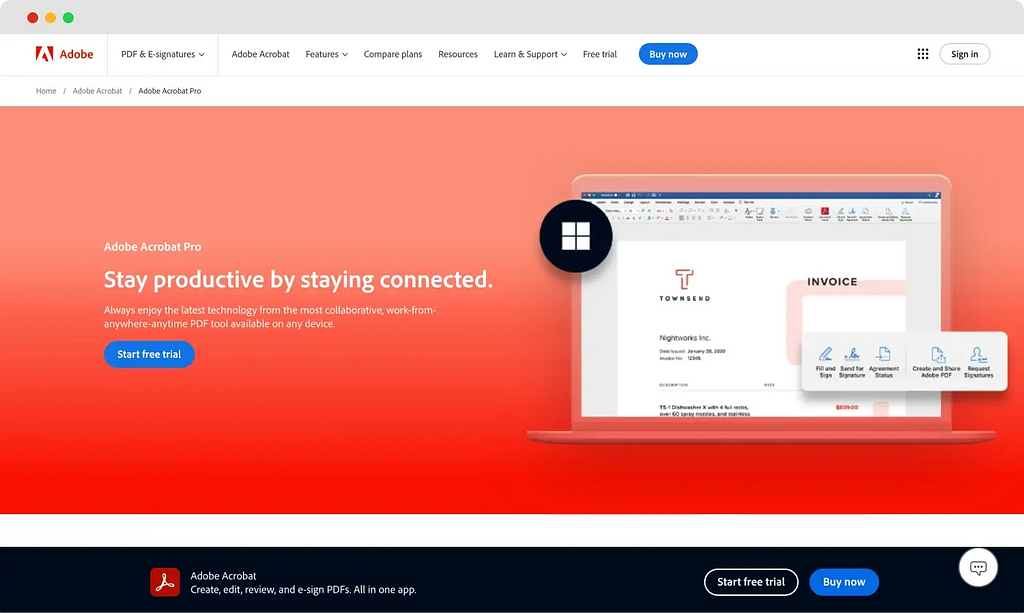
Adobe Acrobat is a leading PDF editor offering both free and pro versions to cater to a variety of needs. The free version, Adobe Acrobat Reader, allows users to view, print, sign, and annotate PDFs. The pro version, Adobe Acrobat Pro, provides advanced features such as creating, editing, converting, and organizing PDFs, as well as adding electronic signatures and ensuring document security. It integrates with Adobe Acrobat Studio for online editing. The subscription is expensive, but you get the most complete PDF toolkit available. For professionals who work with PDFs daily, it's worth the price.
adobe.webp32.3 KB
Key Features:
Full create, edit, convert, OCR, and annotate toolkit
Advanced redaction & security features
E-signatures & form creation
Mobile apps (iOS & Android)
100 GB cloud storage
AI Assistant (Acrobat AI)
Pros
Trusted and reliable.
Comprehensive tools for advanced users.
Cons
The free version lacks many features.
Pricing
Free: Basic PDF reading and annotation.
Pro: Starts at $19.99/month.
5. Smallpdf
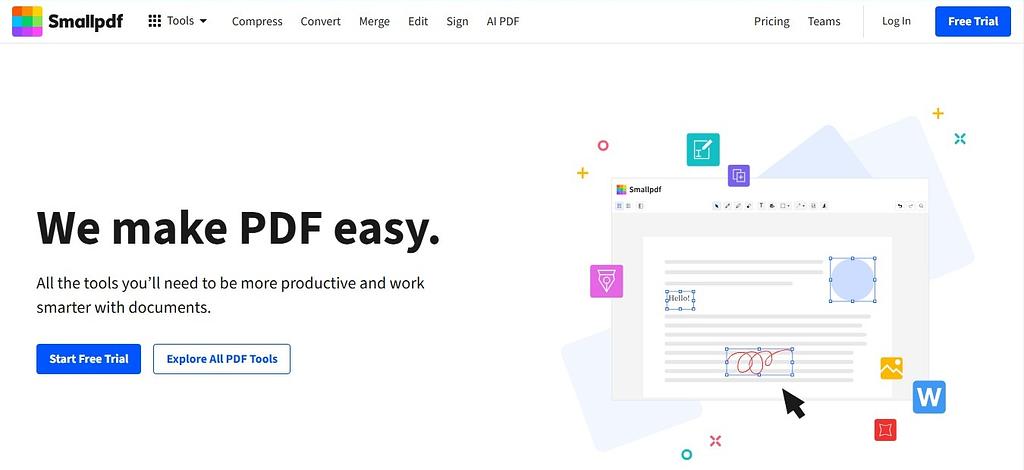
Smallpdf is an online platform offering a comprehensive suite of PDF tools designed to simplify document management. It provides a range of features, including editing, converting, compressing, merging, and signing PDFs, all accessible directly through your web browser. This approach eliminates the need for software downloads or account creation, streamlining the user experience.
WhatsApp Image 2024-12-19 at 11.56.25 PM.jpeg76.1 KB
Pros
Cloud-Based Access: Work on your documents from any device with internet connectivity, ensuring flexibility and convenience.
Comprehensive Toolset: Offers a wide array of PDF tools, reducing the need for multiple applications.
Cons
Limited Free Features: Some advanced functionalities may require a subscription.
File Size Limits: Free users are restricted in terms of file size for uploads and downloads, and exceeding these limits requires a paid plan. This can be limiting for users with large PDF files.
Pricing
Free Version: Provides basic PDF tools with some limitations.
Pro Version: Offers full access to all features, with pricing starting at $12 per month.
6. SimplePDF
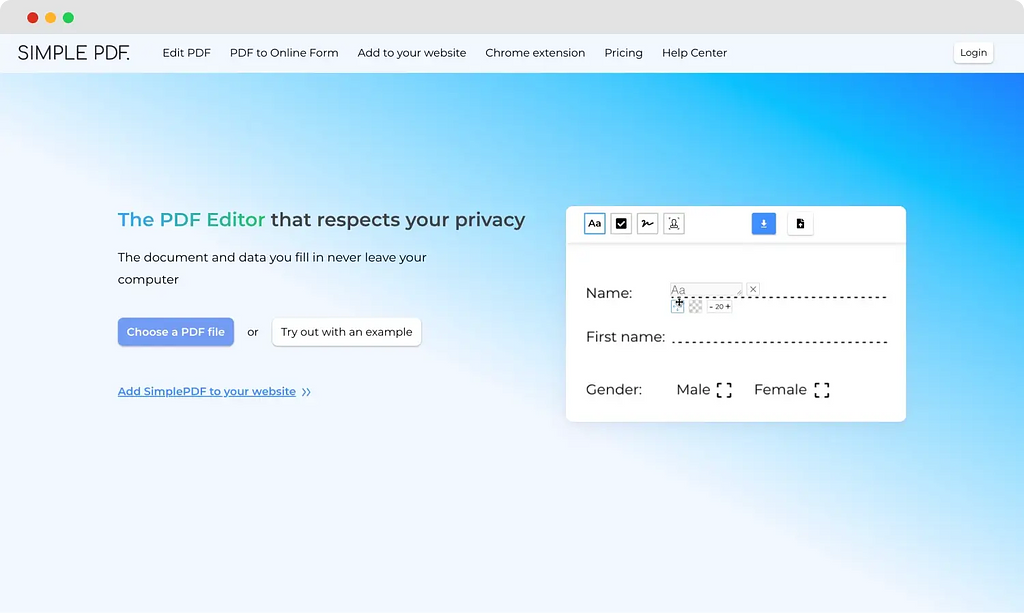
SimplePDF is an ad-free, privacy-focused online PDF editor that allows users to edit PDFs directly in their browser without the need for sign-ups or downloads. It offers features such as adding text, checkboxes, images, and signatures, as well as the ability to add, remove, rotate, and merge PDF pages.
simple pdf.webp25.1 KB
Pros
Completely free for personal use.
Focused on user privacy.
Cons
Lacks advanced tools for editing.
Pricing
Free for 3 submissions per document.
7. Apple Preview
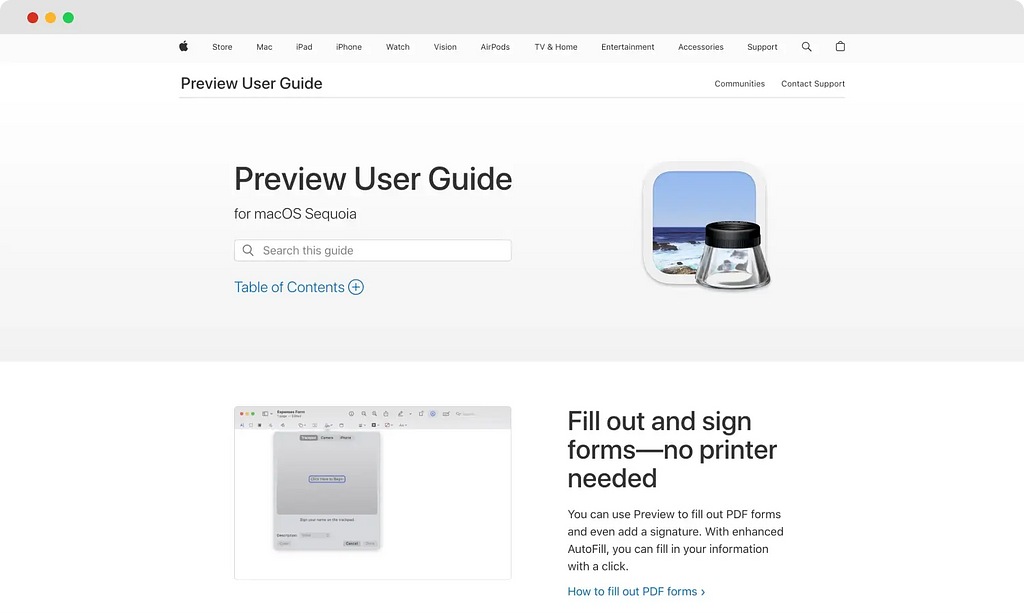
Apple Preview comes built into every Mac. It lets you view, highlight, underline, strike through, add notes, insert signatures, and fill forms. You can also merge PDFs, reorder pages, and export to different formats. It doesn't allow text editing within existing PDFs. For basic annotation and form filling, it's excellent and completely free. apple preview.webp27.3 KB
Key Features:
Highlight, underline, strikethrough, notes
Fill forms & insert signatures
Merge PDFs & reorder pages
Export to multiple formats
No text editing within existing PDF content
Cons:
Not available for Windows or Android.
Pricing:
Free (Built into macOS)
8. EaseUS PDF Editor
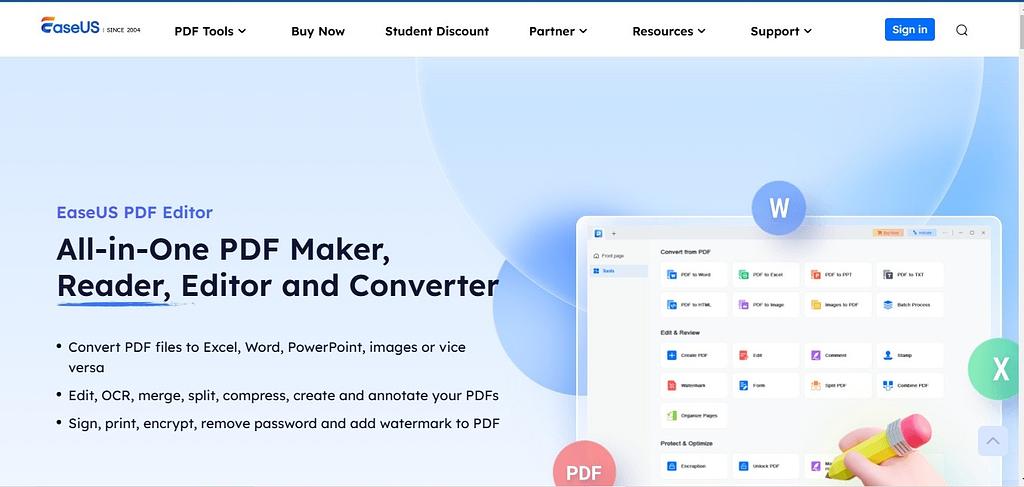
EaseUS PDF Editor is a comprehensive tool designed for creating, editing, converting, and viewing PDF documents. It offers a range of features to enhance document management and collaboration. EaseUS PDF Editor (formerly Cisdem PDFMaster) offers a full suite of PDF tools at a low price. It includes text and image editing, annotation, form filling, conversion, and basic OCR. The interface is straightforward. It's a good alternative to Adobe if you need a one-time payment option without subscriptions. Available for Windows and Mac.
WhatsApp Image 2024-12-20 at 12.07.39 AM.jpeg116 KB
Key Features:
Text & image editing, annotation, form filling
Basic OCR for scanned documents
PDF conversion to/from multiple formats
Password protection
One-time lifetime license available
Pricing:
$49.95/year
$29.95/month
$79.95 lifetime
Free version (watermarked)
9. PDF Expert: Cost-Effective PDF Editor for Mac
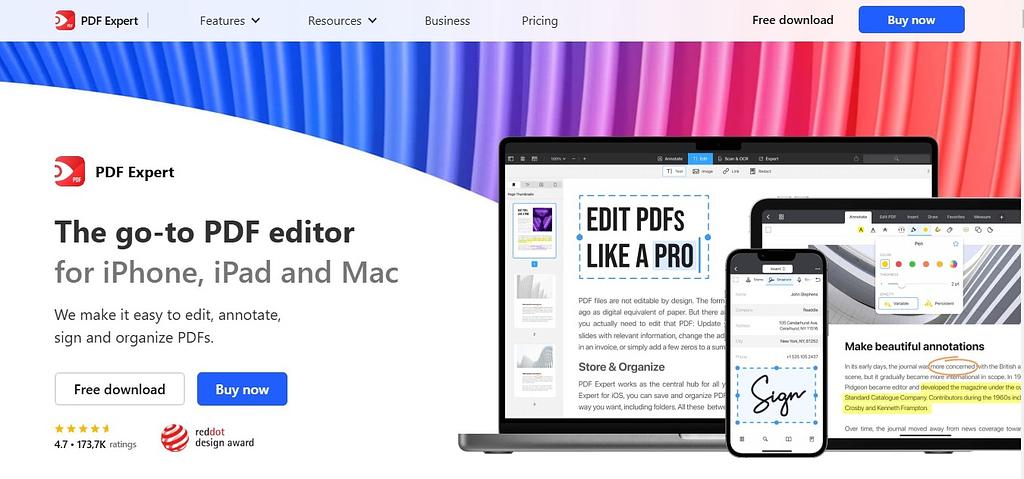
PDF Expert is a versatile PDF editor and reader developed by Readdle, designed to provide a seamless experience across Apple devices, including iPhone, iPad, and Mac. It offers a comprehensive suite of tools for viewing, editing, annotating, and managing PDF documents. PDF Expert by Readdle is the most popular paid PDF editor for Mac after Adobe and Foxit. It offers fast text editing, smooth annotation, form filling, and page management. The design is minimal and fast. It supports signatures, bookmarks, and file compression. It lacks OCR and advanced security features. For Mac users who want a clean, fast editor at a reasonable price, PDF Expert is a top choice.
WhatsApp Image 2024-12-20 at 12.15.52 AM.jpeg164 KB
Features:
Fast text & image editing, smooth annotation
Form filling, e-signatures, bookmarks
OCR for scanned documents
AI assistant (summarize, Q&A on documents)
Syncs across Mac, iPhone & iPad
No advanced security / DRM features
Cons
Platform Limitation: Currently available only for Apple devices, limiting accessibility for users on Windows or Android platforms.
Limited Advanced Collaboration Features: While PDF Expert supports basic collaboration, it may lack some advanced features found in other PDF tools, such as real-time multi-user editing.
Pricing
Free Version: Provides basic PDF viewing and annotation features.
Pro Version: $79.99/yr
10. pdfFiller: Best Online PDF Editor
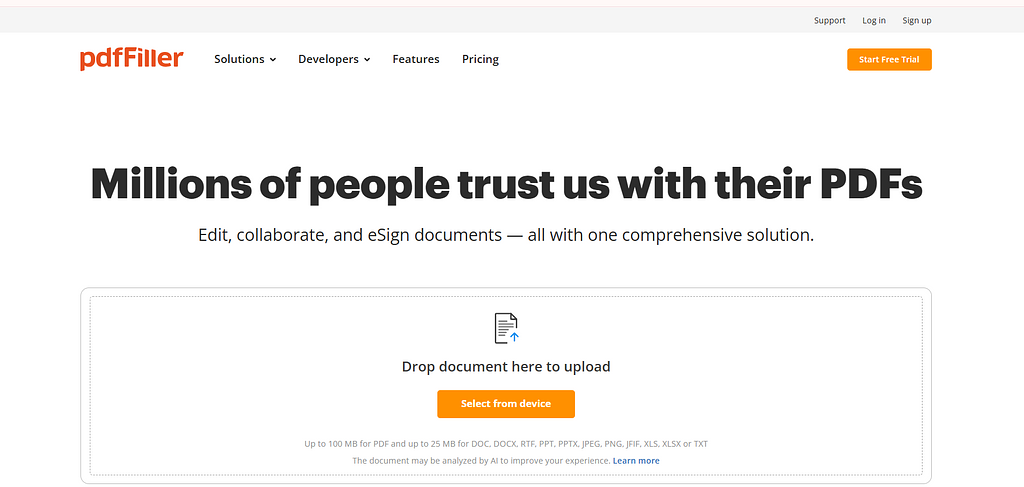
pdfFiller is a cloud-based platform focused on form filling, document signing, and sharing. You can upload PDFs, fill forms, type text, add signatures, and send documents for others to sign. It includes basic editing and conversion. It's ideal for businesses that handle lots of forms and contracts. The subscription is affordable for teams.
image.png77.5 KB
Features:
Form filling, document signing & sharing
Send docs for others to e-sign
Reusable templates & smart document tags (Plus+)
US Legal Forms Library (Premium)
Google Drive & cloud storage integration
Team/enterprise plans available.
Pricing:
$8–$15/month
How to Choose the Best PDF Editor
Create, Convert, and Export PDFs
Look for tools that let you create PDFs from scratch, convert PDFs to Word, Excel, or image formats, and export with original formatting preserved. The best editors handle batch conversion and maintain hyperlinks, tables, and embedded fonts.
Content Editing
You need a PDF editor that treats PDF text like a word processor. This means you can click on any text block, type new content, adjust font size and color, and move images without breaking the layout. Some editors also let you edit vector graphics and add watermarks.
Review and Annotate
For team collaboration, look for highlighters, strikethrough tools, sticky notes, text boxes, drawing tools, and stamps. The best editors support threaded comments and let you export annotations as summaries.
Security
Password protection, permission restrictions (prevent printing or copying), and redaction tools are essential for sensitive documents. Some editors also support digital signatures that comply with legal standards.
Mobile Support
A good PDF editor syncs your files across desktop and mobile devices. Look for iPhone and Android apps that let you edit text, fill forms, add signatures, and annotate on the go. Cloud storage integration (Dropbox, Google Drive, OneDrive) is a bonus.
Conclusion
The best PDF editor depends on your needs and budget. For an affordable all-in-one solution, PDF Editify is a great pick. Power users who need the full toolkit should go with Adobe Acrobat Pro. Mac users will love PDF Expert, and for quick browser-based edits, Smallpdf or SimplePDF work well without any installation.
Most tools offer free trials; take advantage of them before committing. Match the features to your workflow, and you'll find the right fit without overpaying.
Perguntas frequentes
Do I need to install software to edit PDFs?
Not necessarily. Web-based editors like PDF Editify work directly in your browser, while traditional editors require installation.
What is the difference between a PDF document and a PDF form?
A PDF document is a static file meant for viewing and printing. A PDF form includes interactive fields where you can type text, select options, or check boxes. Forms can also include signature fields and calculation formulas.
Can you protect PDF documents from being edited by other people?
Yes. Most PDF editors let you set a password to restrict editing, printing, or copying. You can also apply permissions that prevent changes without a password. Some editors offer redaction to permanently remove sensitive content.
Do Macs have built-in PDF?
Yes. Apple Preview is built into every Mac. It can view, annotate, fill forms, sign, merge, and export PDFs. It cannot edit existing text within a PDF. For that, you need a tool like Adobe Acrobat Pro, Foxit, or PDF Expert.
What's the difference between Preview and Acrobat?
Preview is free and built into Mac. It handles viewing, annotation, signatures, and basic page management. Acrobat Pro is a paid tool that adds text editing, image editing, OCR, advanced security, form creation, and conversion to multiple formats. Acrobat is much more powerful but costs money.
Can I edit PDF text online for free while keeping the same font?
Yes, several online tools like PDF Editify allow you to edit PDF text directly in your browser. However, exact font matching depends on whether the original font is embedded in the PDF. Most free tools do their best to preserve the original font, but for precise font matching, a paid editor like Adobe Acrobat Pro or PDF Expert delivers more reliable results.
What are the main differences between free and paid PDF editors in 2026?
Free PDF editors typically cover basic tasks, such as viewing, annotating, and simple form filling. Paid editors go much further, offering true text and image editing, OCR for scanned documents, advanced security features like redaction and password protection, e-signatures, batch processing, and cloud sync. In 2026, the gap has grown notably around AI-powered features such as document summarization and smart search, which are largely exclusive to paid plans.
Which online PDF editors let you edit without adding a watermark?
PDF Editify removes watermarks entirely and is one of the more affordable options at $10/month. Most other free tools, including the free tier of EaseUS PDF Editor, do add watermarks to exported files, so always check the export conditions before choosing a free tool for important documents.
Which PDF Editor Offers a One-Time Purchase Instead of a Subscription?
Many users prefer PDF editors with a one-time purchase because they avoid recurring monthly fees. Top options for one-time purchase, lifetime license PDF editors include PDF Editify, PDF-XChange Editor, Wondershare PDFelement, and Nitro PDF Pro.