Protect PDF
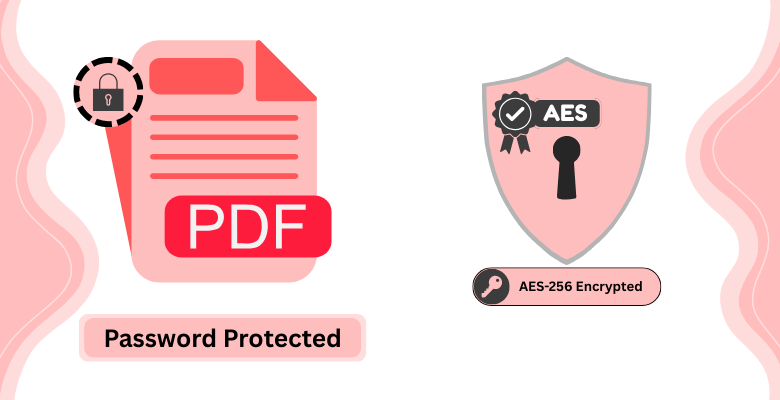
Password Protect PDF Online
Add password protection to any PDF file directly in your browser, no software needed. Upload your document, set a password, and your file is encrypted with AES-256 and ready to download in seconds. Files are processed entirely client-side and automatically removed from our servers after processing unless you choose to save them.
How to Password-Protect PDF Document?
- Upload your PDF to PDF Editify using the upload button.
- Enter and confirm your desired password.
- Click Protect PDF to download your encrypted, password-protected file.
Why Use PDF Editify for PDF Protection?
Easy to Use
Protect any PDF with a password in seconds, no software installation required.
AES-256 Encryption
Industry-standard encryption keeps your document safe from unauthorized access.
100% Private
Processing happens entirely in your browser. Your file and password never leave your device.
Frequently Asked Questions
How do I password protect a PDF online
Password protecting a PDF online is simple with PDF Editify. Upload your PDF file, enter a strong password (and confirm it), then click 'Protect PDF'. Your file will be encrypted with AES-256 encryption and ready to download. No software installation needed, and the entire process happens in your browser.
What kind of protection can I add to a PDF?
PDF Editify provides password protection using AES-256 encryption, which is the industry standard for securing PDFs. You can set a password that others must enter to open and view your document. This protects your sensitive information and ensures only authorized people can access your PDF files.
How secure is online PDF password protection?
Online PDF password protection through PDF Editify is highly secure. We use AES-256 encryption, the same encryption standard used by government agencies and financial institutions. Your file is processed entirely on your device (client-side), meaning your password never leaves your computer. Your encrypted file is then ready to share securely.
What happens if I forget my PDF password?
If you forget your PDF password, you will need to password protect it again with a new password. Unfortunately, PDF passwords cannot be reset or recovered as they are encrypted. We recommend using a password manager to securely store your passwords. Always keep a backup of your important documents.
Can I lock a PDF without Adobe Acrobat?
Yes, you don't need Adobe Acrobat to password protect a PDF. PDF Editify makes it easy to add password protection directly in your browser. Our tool is a user-friendly alternative to expensive Adobe software, allowing you to secure your PDFs quickly and easily from any device.