Unlock PDF
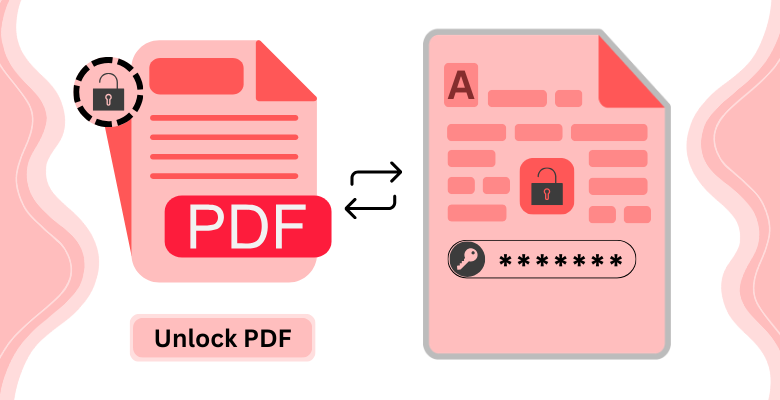
Remove PDF Password
Remove password protection from any PDF file quickly and securely. Upload your protected document, enter the password, and download the unlocked file, or open it straight in our editor to make changes. Files are processed securely and automatically removed from our servers after processing unless you choose to save them.
How to remove PDF password
- Upload your password-protected PDF to PDF Editify.
- Enter the current password to Unlock PDFs online
- Click Unlock PDF to download the unlocked file.
Why Use PDF Editify to Unlock Your PDF?
No Software Needed
Unlock PDFs directly in your browser without installing any extra software.
Stays Private
Your password is never sent to our servers. All processing happens client-side.
Full Access
Edit, print, and copy your unlocked PDF freely with no restrictions.
Frequently Asked Questions
How To Unlock a PDF Online
Unlocking a PDF online with PDF Editify is easy. Simply upload your password-protected PDF file, enter the password, and click 'Unlock PDF'. The tool will remove the password protection and generate a new unlocked PDF ready for download. The entire process takes just seconds, with no software installation required.
Can I unlock a PDF on my phone?
Yes, you can unlock PDFs on your phone or any mobile device using PDF Editify. Our platform is fully responsive and works seamlessly on smartphones and tablets. Simply visit our website on your phone's browser, upload your password-protected PDF, enter the password, and download your unlocked file.
Is it safe to use online tool to unlock my PDF?
Yes, using PDF Editify to unlock your PDF is completely safe. We use secure, encrypted connections to protect your data. The password processing happens on our secure servers, and your file is automatically deleted after processing. We don't store your files or passwords, and we comply with international privacy regulations.
Is it possible to unlock a PDF without knowing the password?
No, you cannot unlock a password-protected PDF without knowing the password. PDF security is designed to prevent unauthorized access. If you've forgotten your password, you'll need to request the password from whoever created or sent you the document. Always keep your PDF passwords in a secure password manager.
Can I edit a PDF after unlocking it?
Yes, once you unlock a PDF, you have full access to edit it. After unlocking, you can open your PDF in PDF Editify's editor to add text, annotations, images, or make any other changes you need. You can also print the PDF or copy text from it freely. The unlocked PDF is now fully editable.